Choosing church presentation software is easier when you start from your Sunday, not from a feature list. Here is a checklist you can take to any demo.
1. How many screens do you actually drive?
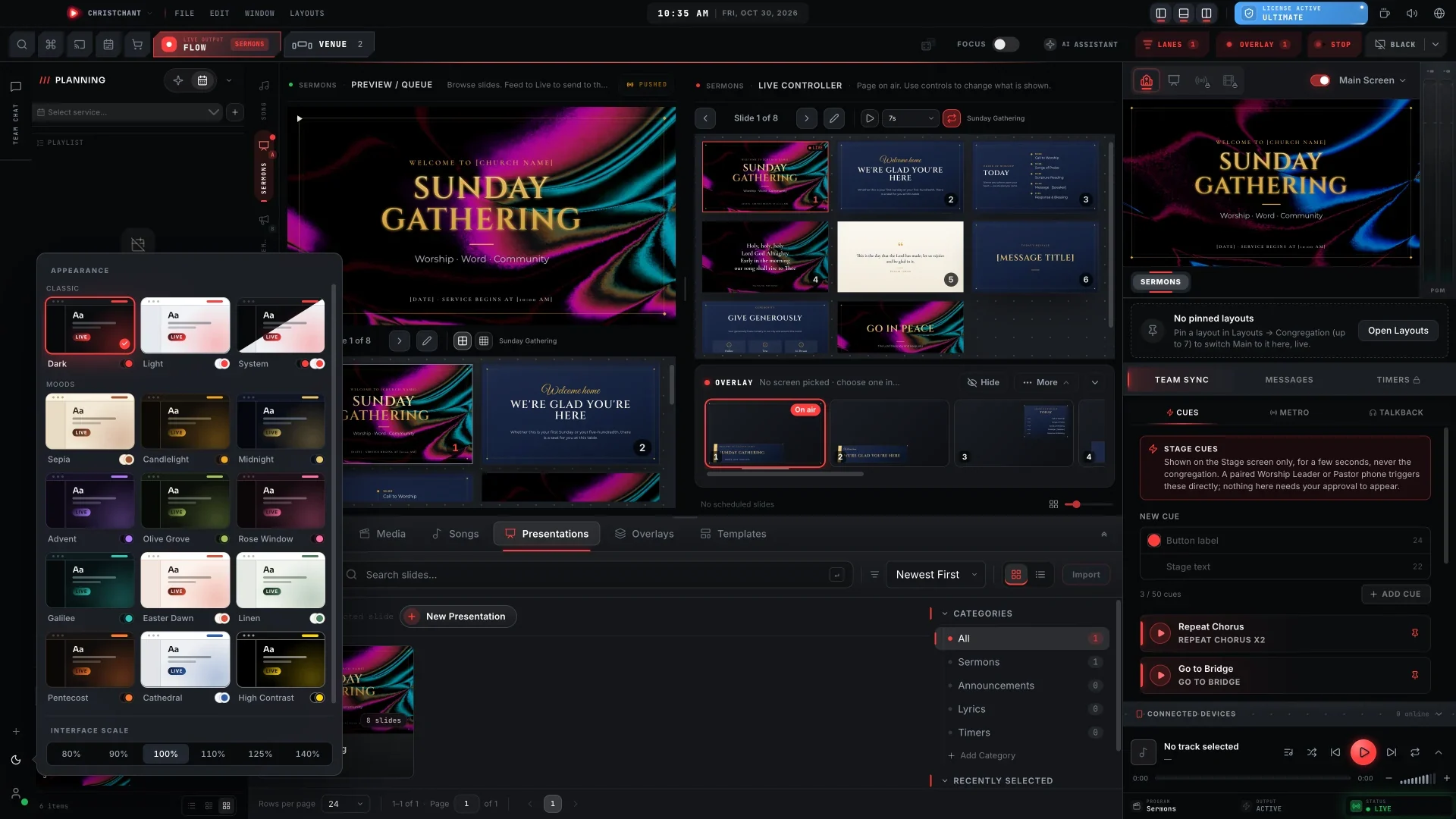
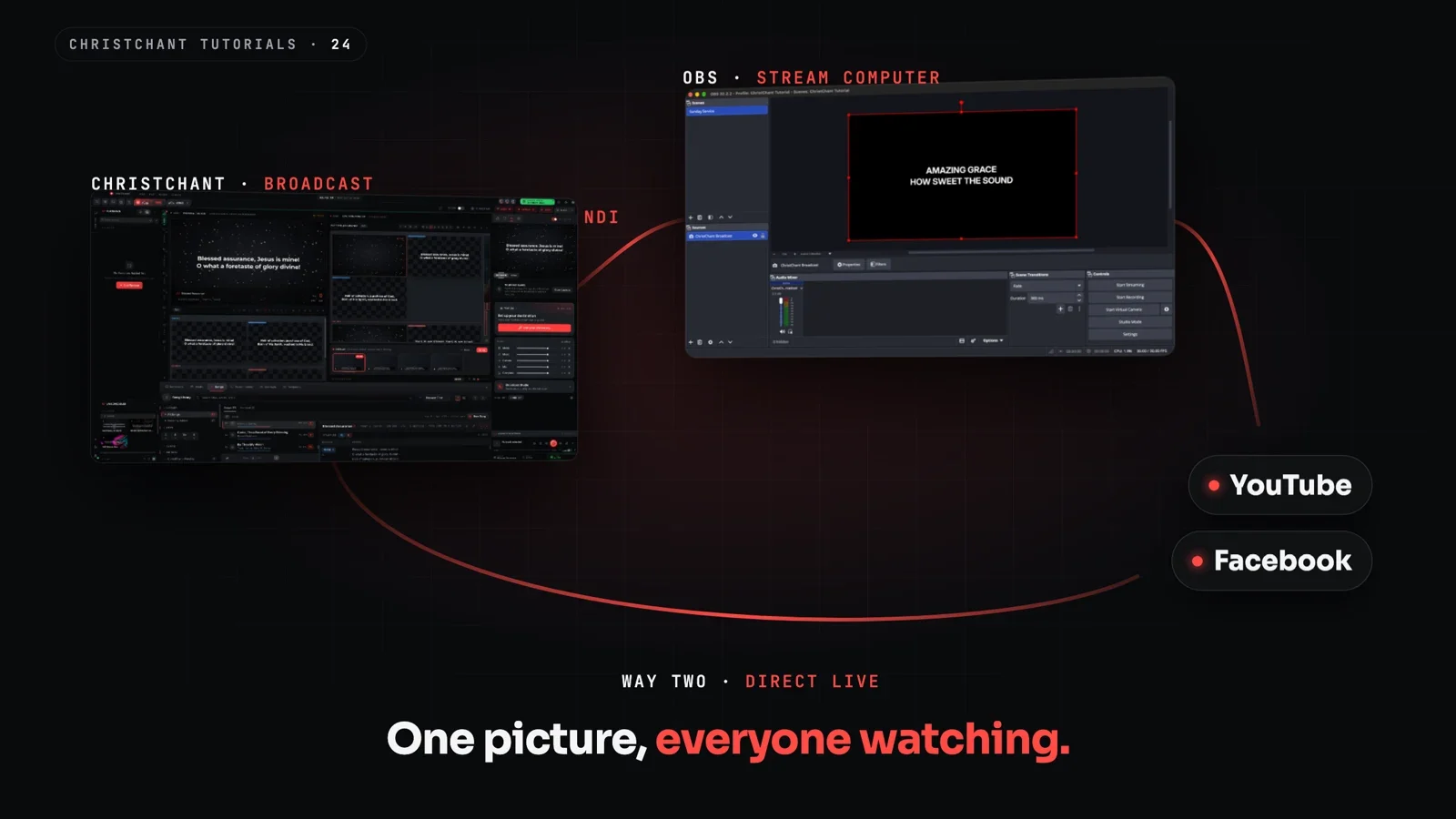
Count every display: the main projection, a stage monitor for the band, a lobby screen, a livestream feed. Some software mirrors one picture everywhere. Better software lets each output have its own layout, so the congregation sees lyrics while the band sees chords.
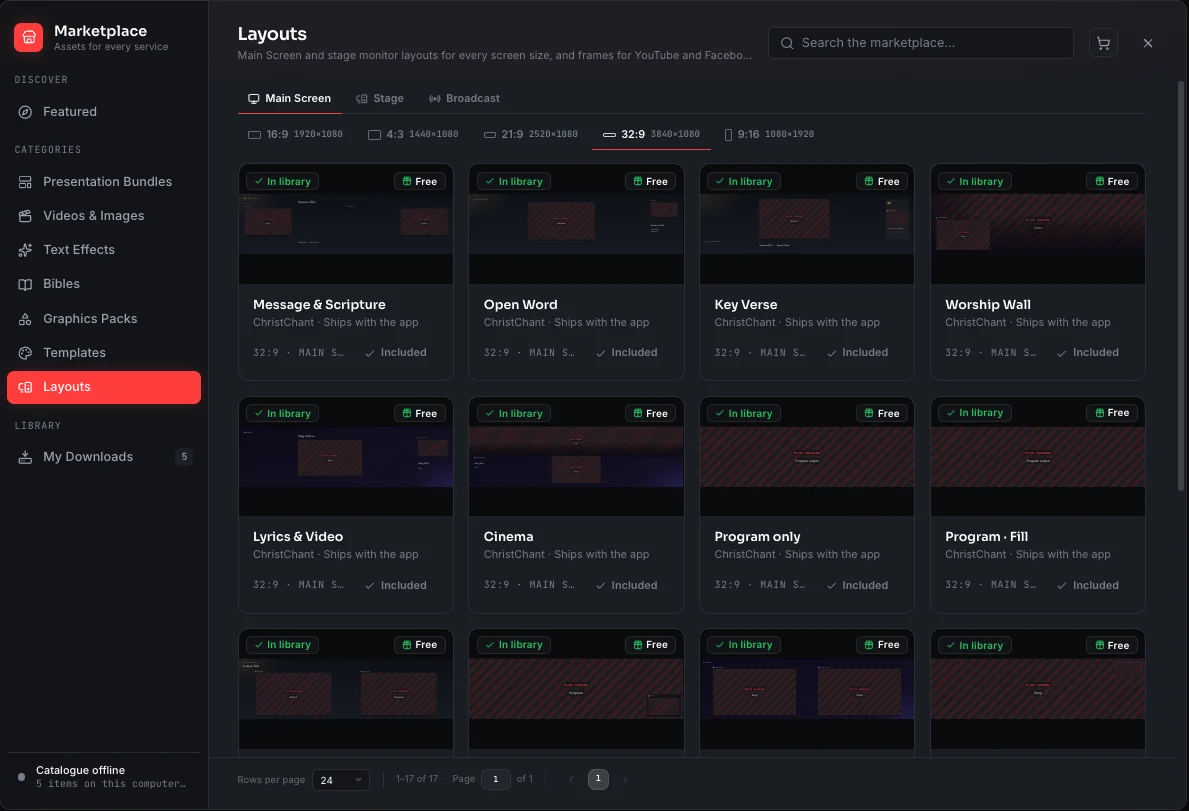
2. Does it work without internet?
Many churches have Wi-Fi that is slow or unreliable on Sunday morning. Ask whether a full service can run offline, including scripture lookup, video playback and licence checks. Download everything during the week and leave Sunday to the software.
3. Can it open the files you already have?
Your announcements, sermon decks and old lyric slides are probably PowerPoint or PDF. Check whether they open directly, and whether you need Microsoft Office installed on the booth computer.
4. How easy is it for a volunteer?
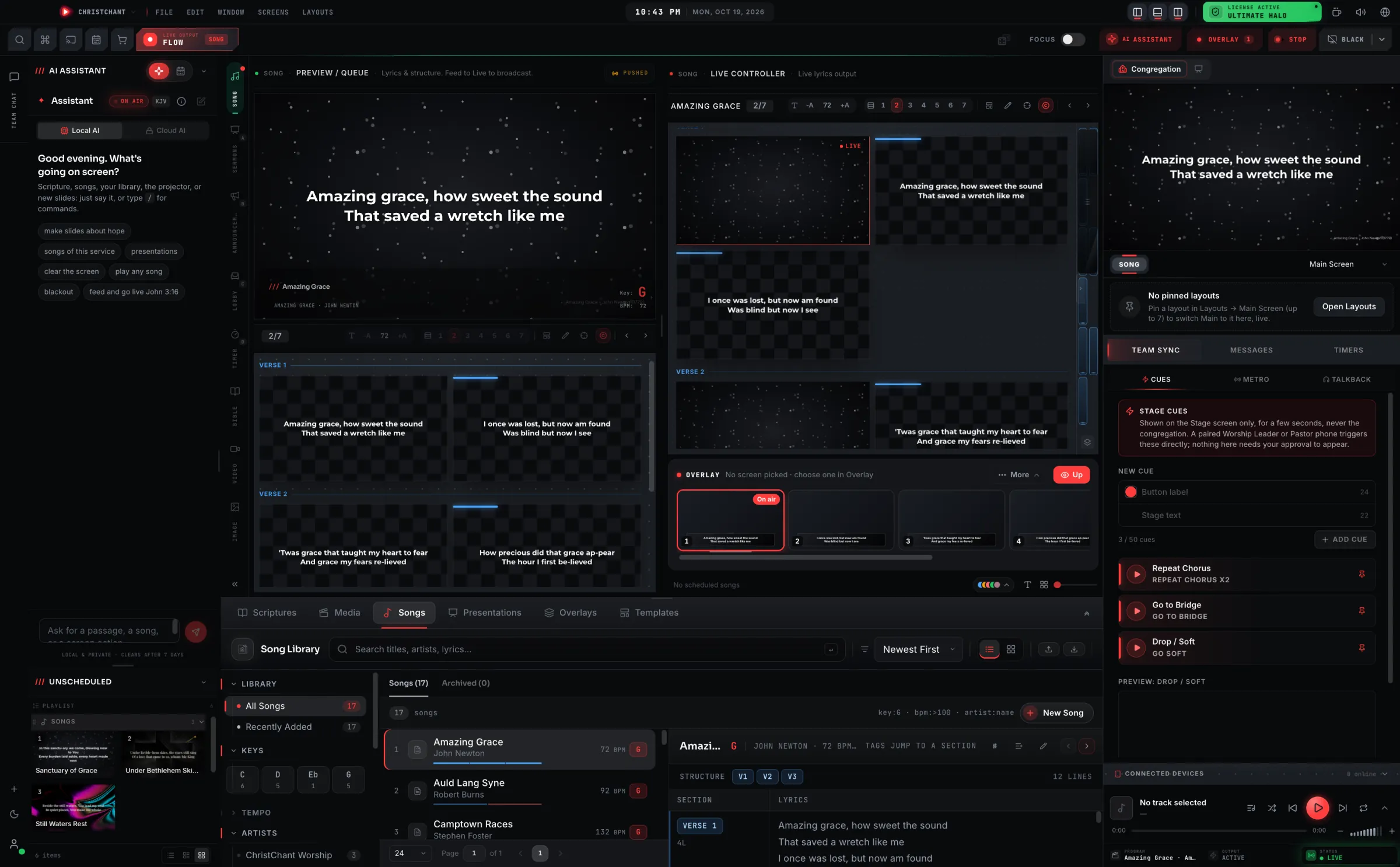
The person on the booth may have had ten minutes of training. Look for a clear preview of what is about to go live, quick search for songs and verses, and a way to run things from a phone so the operator is not stuck in one spot.
5. What does the band need?
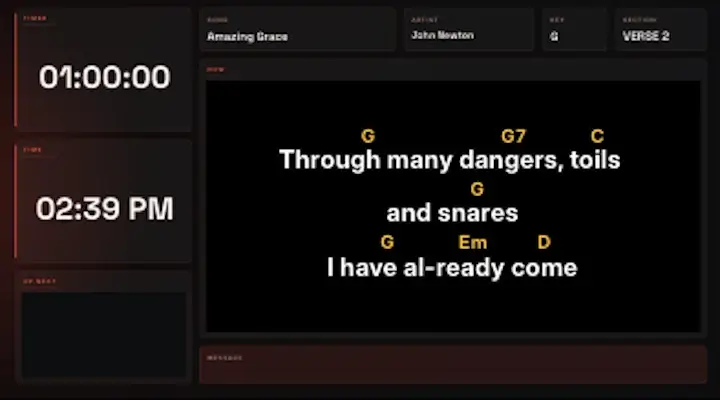
A worship team usually wants chords shown with the lyrics, a key transposer, and a stage display that follows the song. If your band plays in different keys each week, live transposing saves a lot of rehearsal time.
6. Is the Bible content included?
Check which translations come with the software and which are licensed separately. Public-domain and freely licensed translations should be free to download for offline use.
7. What will it cost over a year?
Compare monthly and yearly prices, and what each tier unlocks. A tier that charges by screens is easier to predict than one that charges by feature. Ask what happens if you stop paying: do you lose your library, or drop to a free version?
8. Who stands behind it?
Look for published business details, clear terms and a support address that a real person answers. You are trusting this software with your most visible hour of the week.
Try before you commit
Run a free trial on a real service, not a demo file. ChristChant has a 14-day trial with full features and no card, and a free tier that keeps the whole application afterwards. See pricing for the plans.