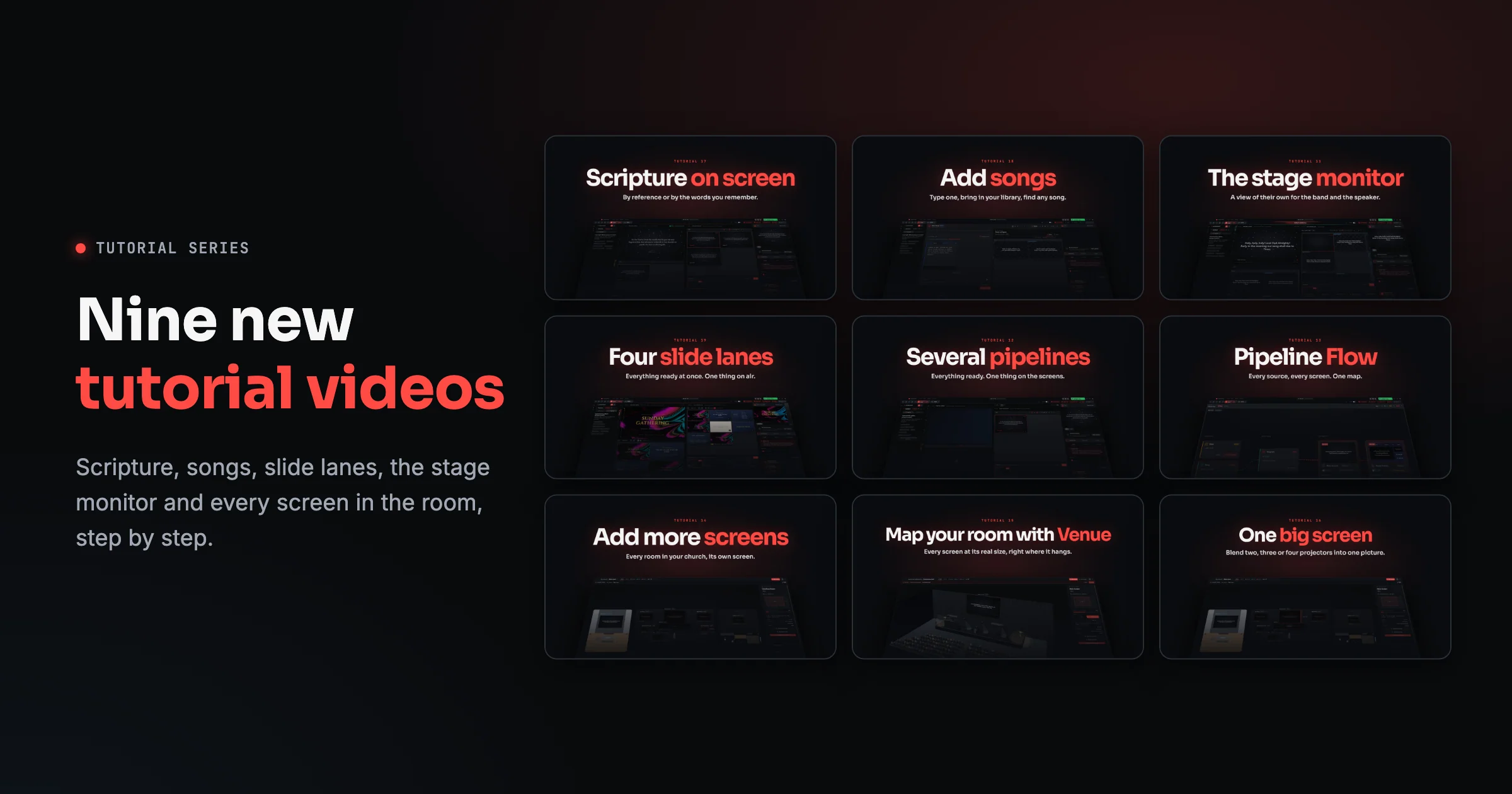
Most of a Sunday comes down to a handful of moves: a song, a reading, the sermon slides, the screen behind the band. Today we put up nine new tutorial videos that walk through each of them in the real app, one click at a time, at a pace you can follow along with.
Every video sits at the top of its help article, with captions, chapters and the written steps right underneath. Watch it once, then keep the article open on Sunday morning.
For every Sunday
Put a Bible passage on screen
Type John 3:16-18, or just the words you remember, like love one another. Click a verse, Shift-click the last one, and send the passage live in one click. The Bible is built in, so it works without internet.
Add and import songs
Write a song with chords in square brackets and watch the slides build as you type. Bring in your existing library, and find any song with filters like key:G or bpm:>100.
The stage monitor Give the band lyrics with chords, the key, what's next and the clock, on a screen the congregation never sees. Then send a quick cue, like Repeat Chorus, straight to the platform.
Running the service
Use the four slide lanes Keep the sermon, the announcements, the lobby loop and a countdown ready at the same time, each in its own lane. Send a deck where it belongs and go live when it's time.
Run several pipelines at once Get the reading ready while the song is still on the screens, then switch with one click. The tabs always show you what's on air and what's waiting.
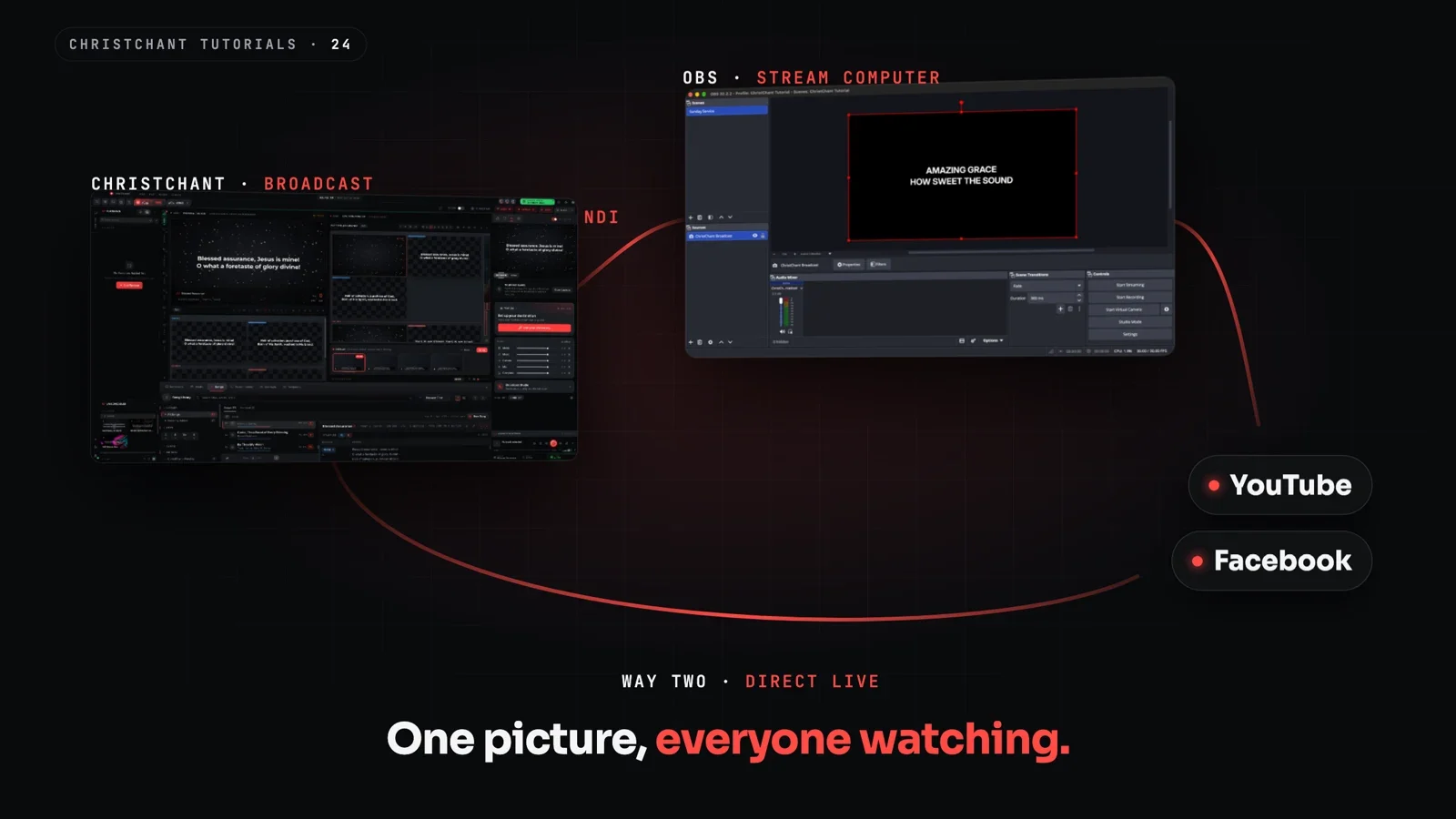
Pipeline Flow Every source, the program and every screen on one live map, with a warning when something is cued but going nowhere.
Screens and the room
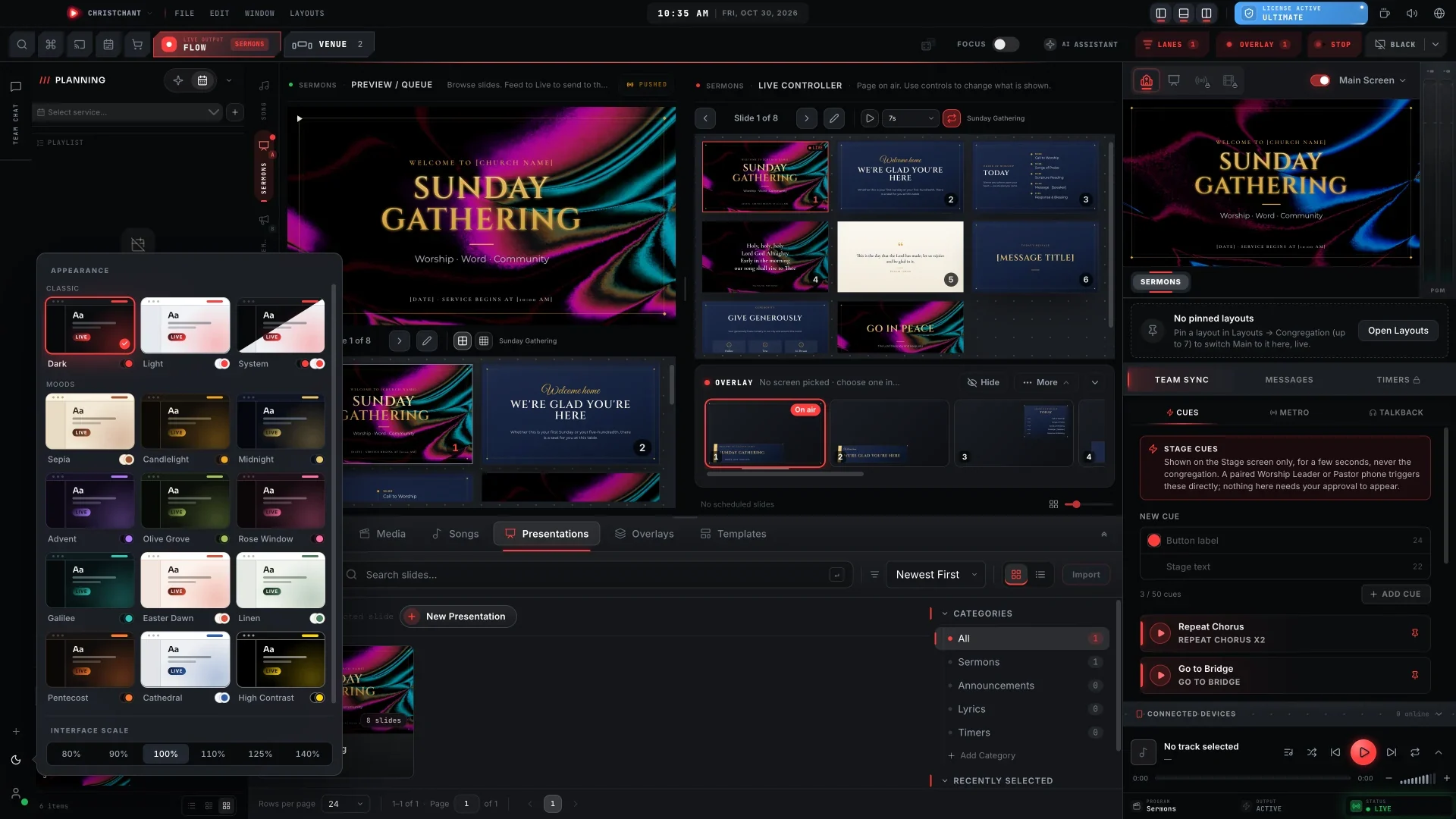
Add more screens An overflow room that mirrors the service, or a lobby screen that runs its own welcome loop all morning. Add one in the Venue and choose what it shows.
Map your room with Venue See every screen at its real size, right where it hangs. Walk the room in 3D and check the lyrics from the back row before anyone arrives.
Blend projectors into one big screen Join two, three or four projectors into one wide picture, then line up the join on the real wall with test patterns.
Learn it in a weekend
Together the nine videos run under twenty minutes. Here is an order that works for a new volunteer:
- Scripture, then songs: the two things you'll show most.
- Slide lanes and pipelines: how the service moves from one thing to the next.
- The stage monitor: so the band is with you.
- Pipeline Flow, Venue, more screens and edge blending: when you're ready for the whole building.
They join the first ten tutorials, from installing ChristChant to messages on the screens, so the whole series now covers a full Sunday from start to finish. Everything is on the ChristChant YouTube channel and in the help centre.
New to ChristChant? Download it free and follow along.