
Tell the story of Sunday
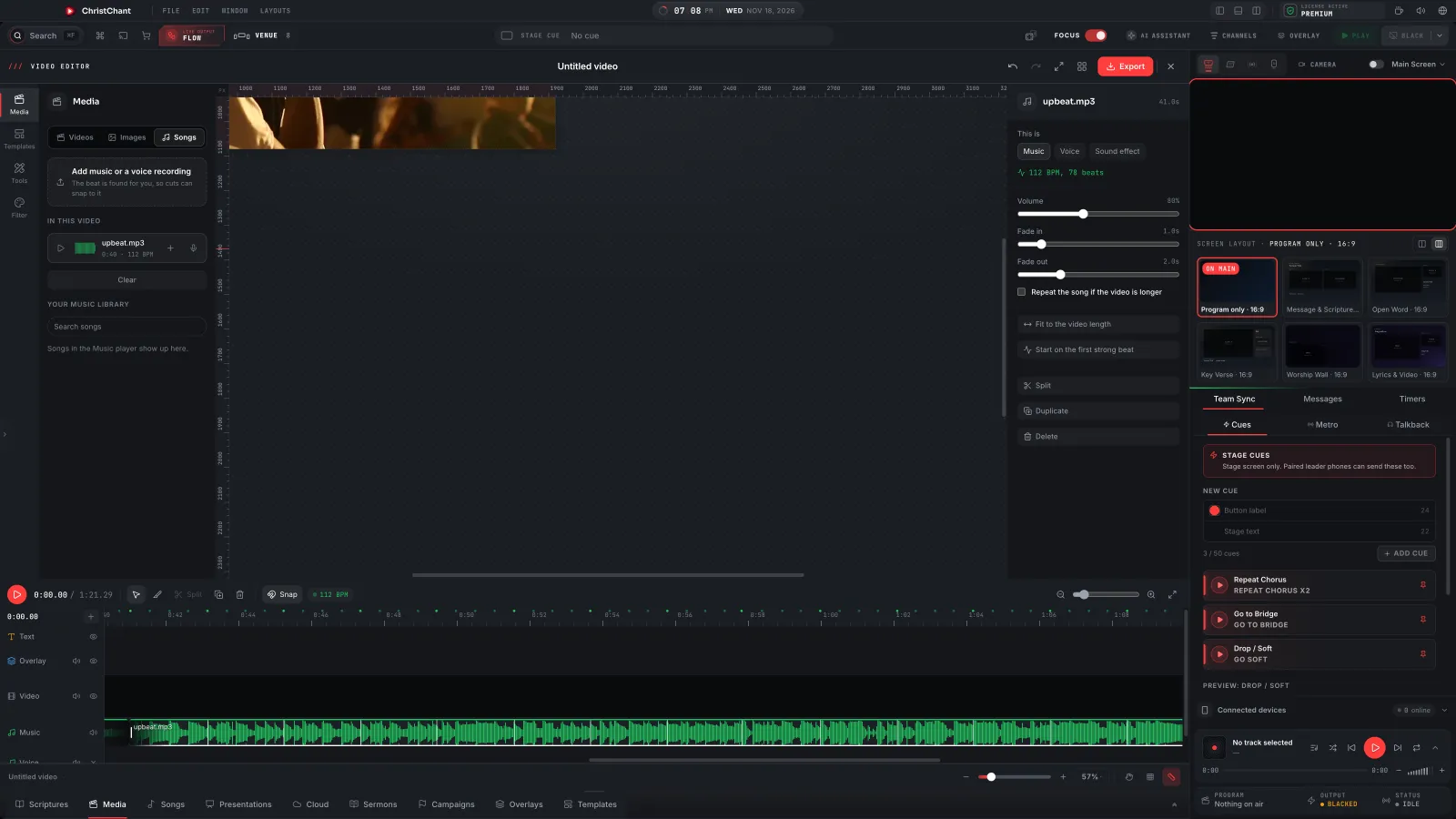
Make your Sunday recap, an announcement or a reel without leaving ChristChant. Start a widescreen, vertical, square or portrait video, add clips, photos and a song, and build it on the timeline. The editor reads the song's tempo, so clips can end on the beat.
Any shape
Widescreen, vertical, square or portrait, for the screen, YouTube or a reel.
Cut on the beat
The editor reads the song's tempo, so a clip can end on the nearest beat.
Ready-made text
Text styles for captions, worship, sermons, scripture and events.
Kept for later
Your videos stay in the editor, ready to change and export again.

Clips, photos and a song on one timeline
The Video Editor opens right inside the console, the same way the Slide Editor does. Drop in clips and photos, add a song, and arrange them on the timeline. The song's tempo shows on the timeline, and Snap lines your cuts up with it.
- Text, Overlay, Video and Music tracks
- The song's BPM read for you, with Snap to the beat
- Split, copy and trim right on the timeline
- Opens in the console, like the Slide Editor
Filters, motion and text that looks ready
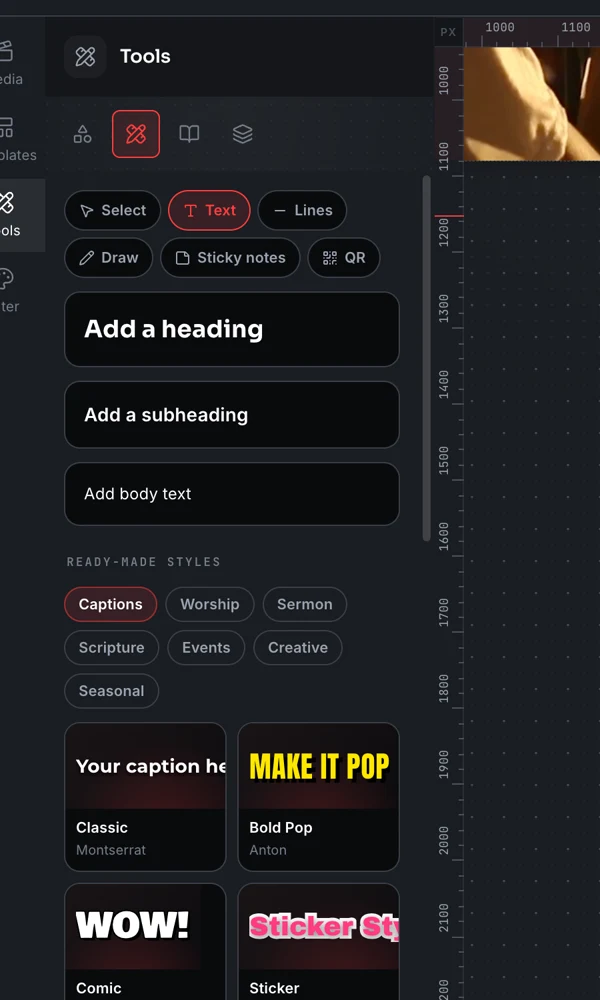
Add filters and motion to any clip, pick a ready-made text style for captions, worship, sermons, scripture and events, and add transitions between clips.
- Filters like Warm Sunday, Golden hour and Film fade
- Motion: push in, pull out, pan and tilt
- Text styles for captions, worship, sermons, scripture and events
- Transitions between clips
Export, and change it next week
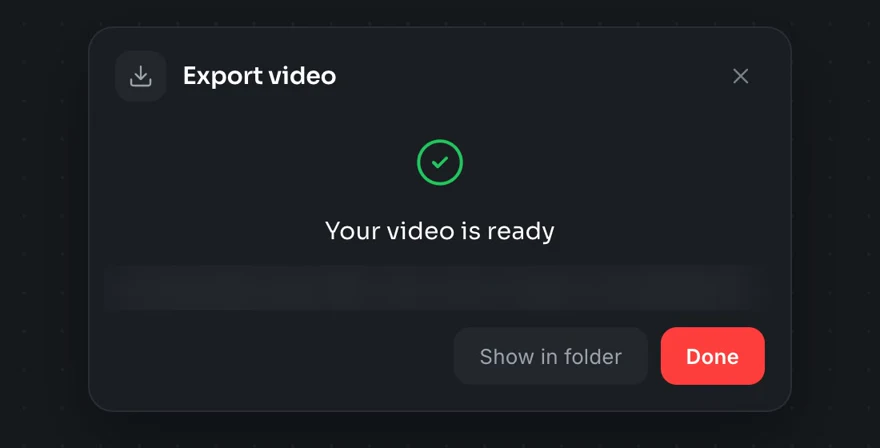
Export a finished video when it looks right. Your videos are kept in the editor, so next week's recap can start from this one.
- Export a finished video file
- Projects kept in the editor to change and export again
- Part of Premium
The Video Editor is part of Premium. Windows and macOS.
About this feature
Use Create > Video, or File > New Video. It opens inside the console, the same way the Slide Editor does.
Try it before next Sunday
Start Premium trial
Free for 30 days with every Premium feature: stage screen, extra outputs and broadcast. No card, and you keep the app on the Free plan afterwards.
Create account and start trialThree steps: create your account, start your 30-day Premium trial in one click, then download ChristChant and sign in. Every feature, no credit card.