Christmas services mix familiar carols, candlelight and guests who rarely visit. Your screens should feel warm without making the words hard to read.
Readability first
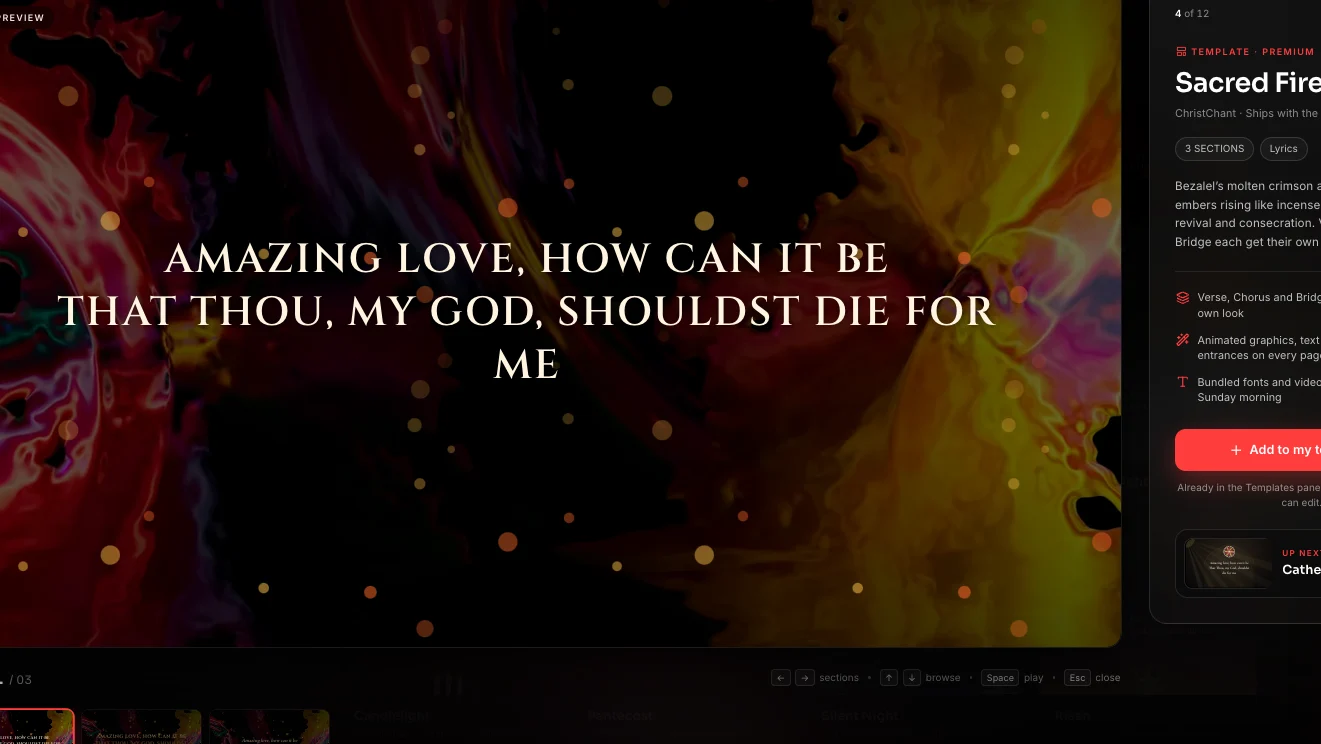
Seasonal imagery is lovely, but lyrics must stay legible from the back row. Choose slower, darker backgrounds for carols, and keep brighter loops for opening and closing moments.
Match the moment
- Welcome and countdown: a gentle looping scene as people find their seats.
- Carols: calm backgrounds with simple, large text.
- Scripture reading: a still or very slow loop so the words carry the moment.
- Candlelight: a mostly dark screen with minimal text.
Check the licence
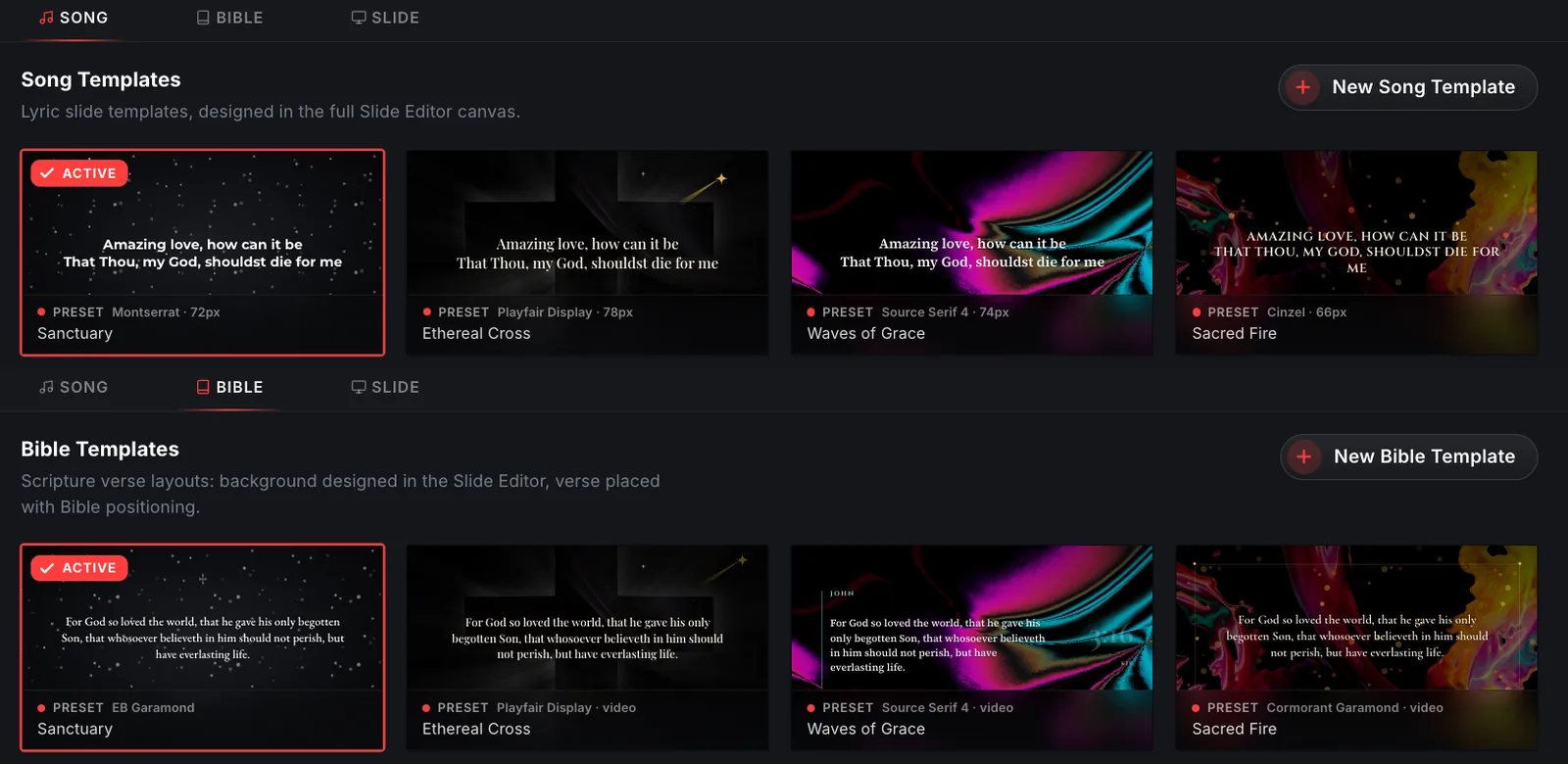
Make sure you can use a background across all your screens and your livestream. When you buy a clip from the ChristChant motion store, you receive the video file, licensed to your whole organization, and can use it in ChristChant, other presentation apps and your own videos.
Pacing the carols
Many people know carols by heart, so slides can move a little faster. Keep two to four lines per slide and change just before the line is sung.
Guests and families
Add a welcome slide with service times, a Wi-Fi note if you have one, and a short invitation to the next gathering.
Testing
Run the whole service on the booth computer with the internet off. Check video playback and the stage display. See our offline checklist.
Save bundles
If you need several clips, add them to the cart together. Bundle discounts apply automatically at checkout.