If your church internet drops on Sunday, the service should not. Most failures come from content that was never downloaded in the first place. This guide covers what to prepare.
Download scripture ahead of time
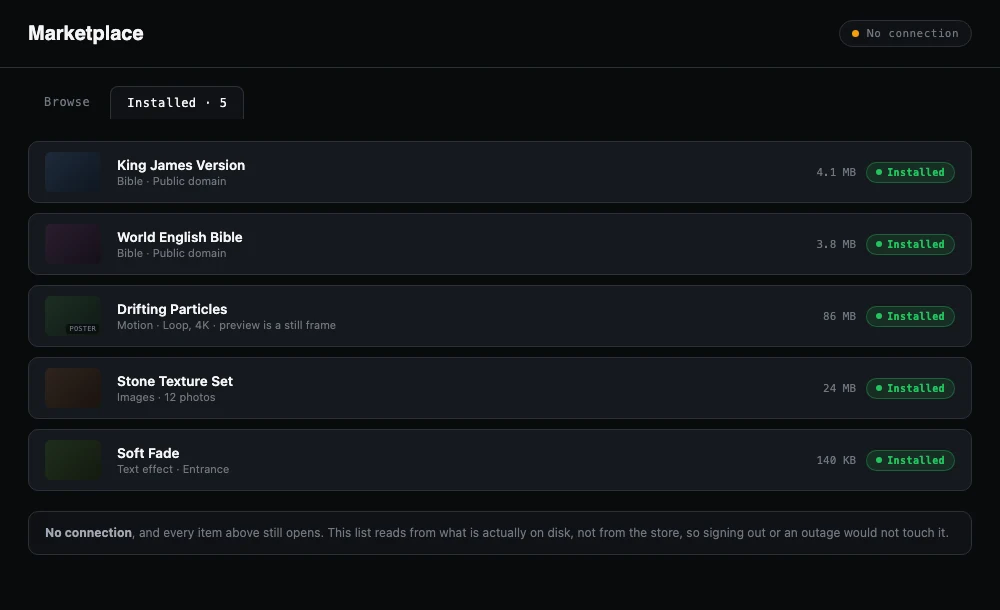
Bible lookup should read from files on the computer, not from a website. Download each translation you use during the week and test a lookup with the network switched off.
Keep media on the machine
Video backgrounds, countdowns and announcement clips should be stored locally. Streaming a clip from the web is the most common reason a service stalls. Copy the files to the booth computer and test playback.
Check how licensing works
Some software needs to phone home to confirm your licence. Ask whether it validates offline, and for how long. ChristChant supports offline licensing and checks against verified network time when you are next connected.
Import slides before Sunday
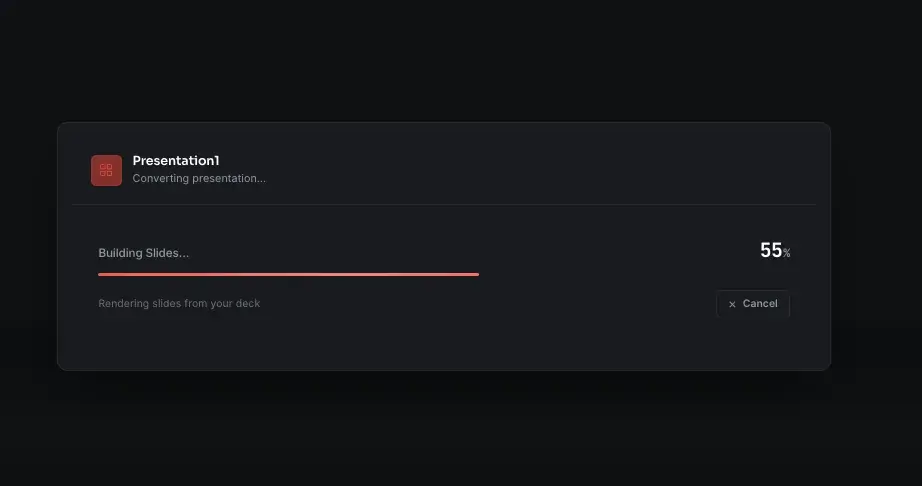
Open your PowerPoint and PDF files in the presentation software during the week, so any conversion happens while you have time to fix it. ChristChant imports PowerPoint without Office installed, and the import does not need a connection.
A Saturday checklist
- Turn Wi-Fi off and open the software.
- Look up three verses in different translations.
- Play every video you plan to use.
- Open the service plan and step through each item.
- Check every output: main, stage and lobby.
- Install pending updates now, not on Sunday.
What to do if something does fail
Keep a printed order of service and a backup laptop with the same library. Plan an item you can run without a screen, such as a song everyone knows.
An offline-first setup is also a good fit for venues with limited bandwidth. See how offline worship presentation software works in ChristChant.