A beautiful slide that nobody can read has failed. These habits keep your screens clear.
Choose simple fonts
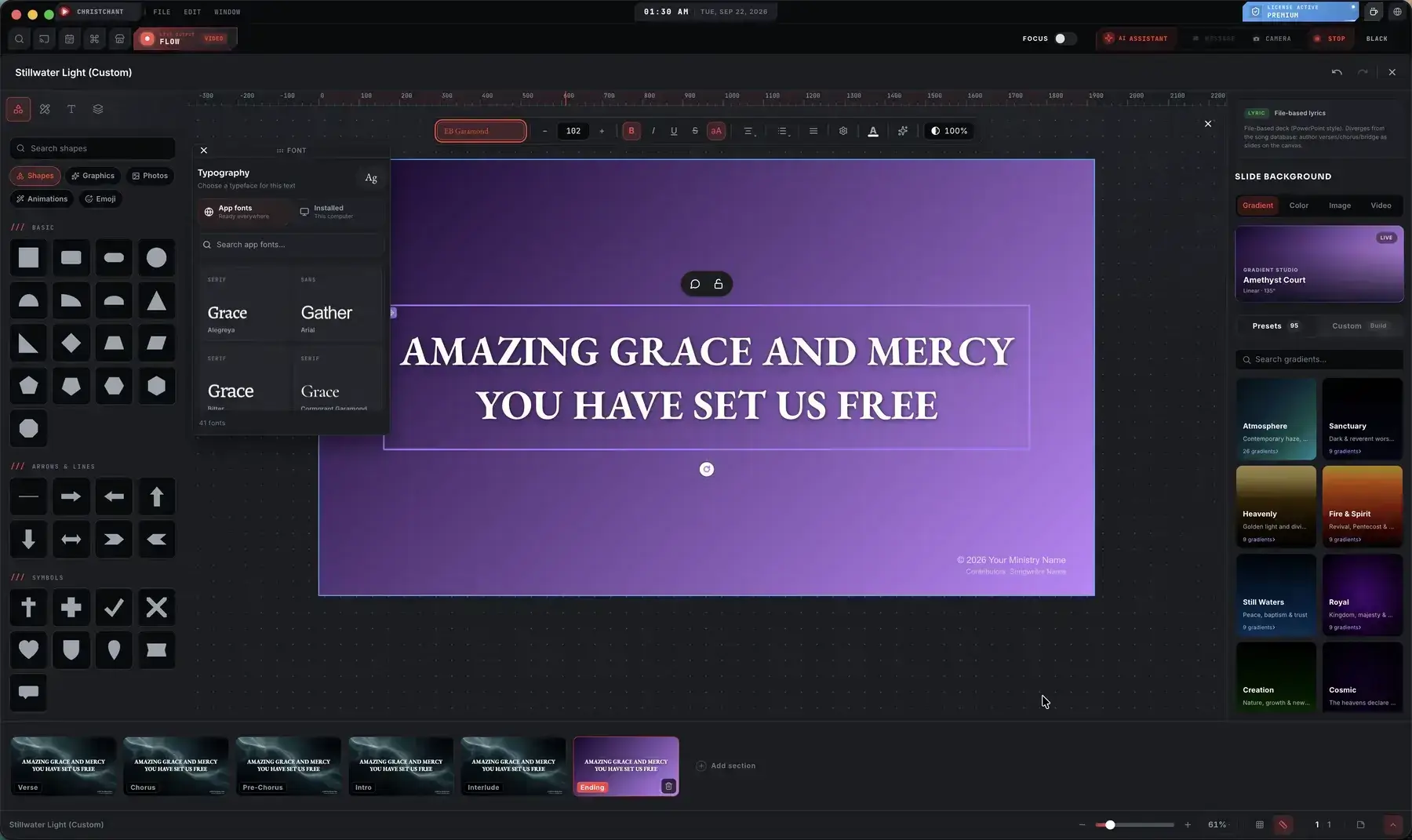
Pick a clean sans-serif with a sturdy weight. Avoid thin, decorative or script fonts for body text. Use one or two fonts across the whole service.
Make the text big
If you are unsure, go larger. Aim for two to four lines per slide, and break long lines into shorter ones. The back row sets the standard.

Contrast beats colour
White text on a dark, calm background is the safest choice. Add a soft shadow or dark overlay when the background has bright areas.
Keep backgrounds quiet
Slow motion and low contrast help. Fast movement behind words competes with them. Save energetic backgrounds for transitions and announcements.
Leave breathing room
Keep text away from the screen edges, because some projectors crop them. Use consistent margins and alignment on every slide.
Treat scripture carefully
Show the reference clearly and keep verses to a size people can follow. Consistent layout helps the congregation know where to look.
Test like the congregation
Stand in the back row, or at the furthest seat, with the real projector. Check in daylight and with the lights dimmed.
Use layouts, not one-offs
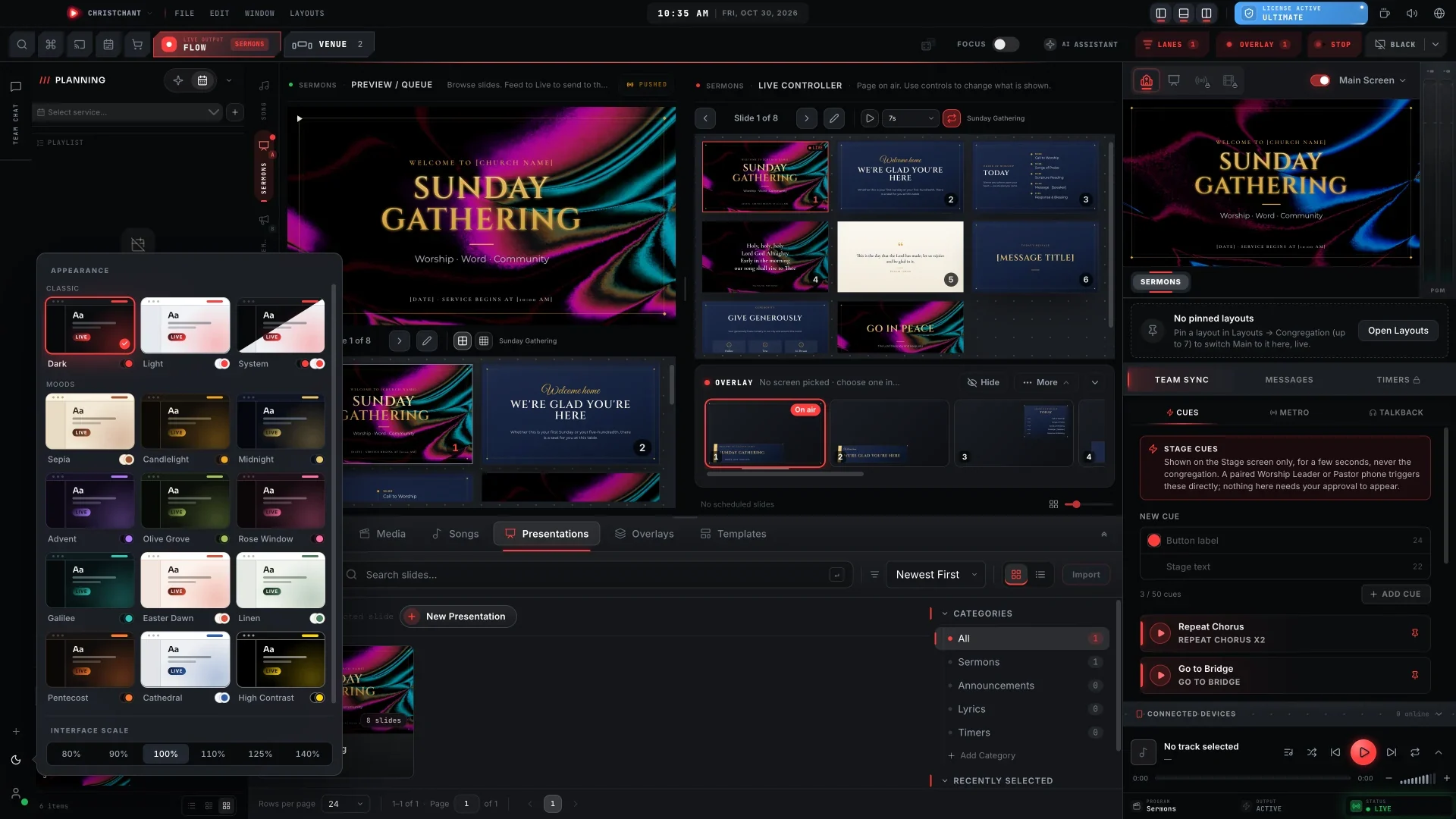
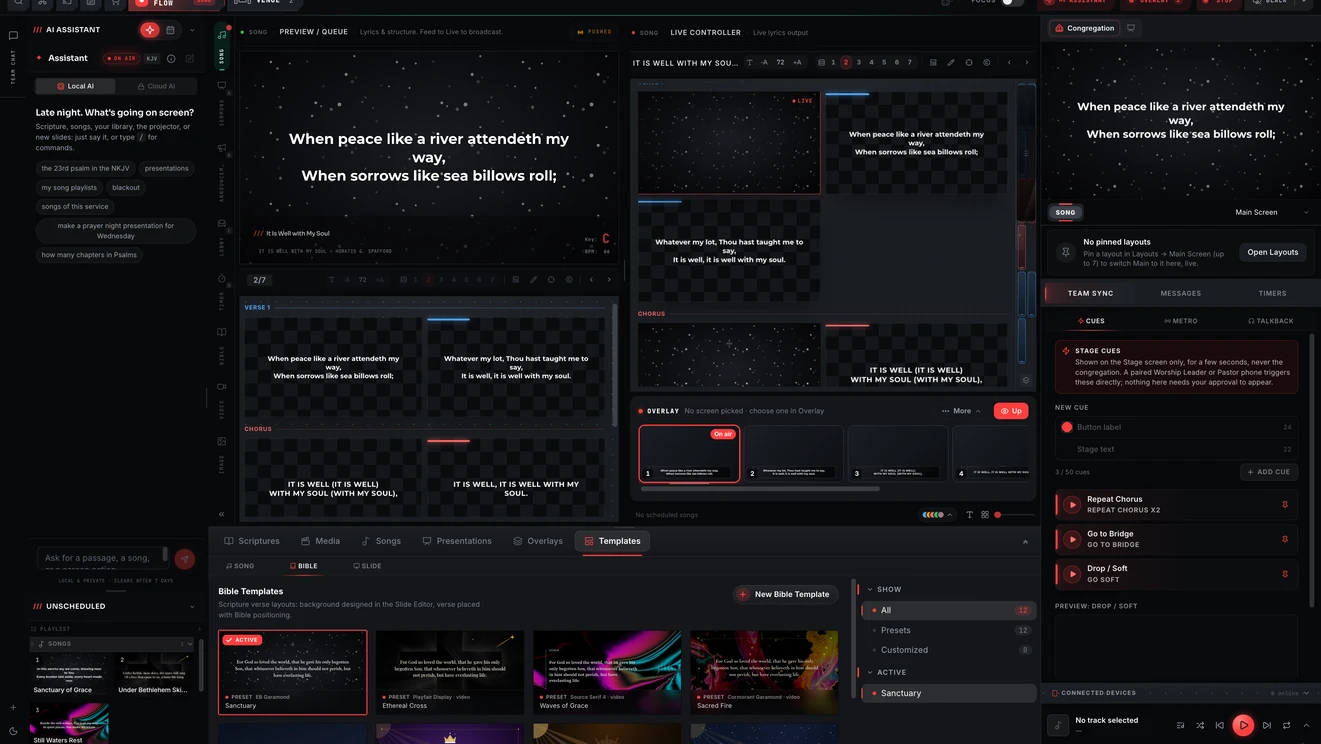
Define your text style once and reuse it for every song and verse. ChristChant's layout editor lets each screen have its own design, and the slide editor handles announcements.