Online viewers should see lyrics and verses as clearly as the people in the room. The trick is sending the right picture to the right place.
Three ways to get graphics into a stream
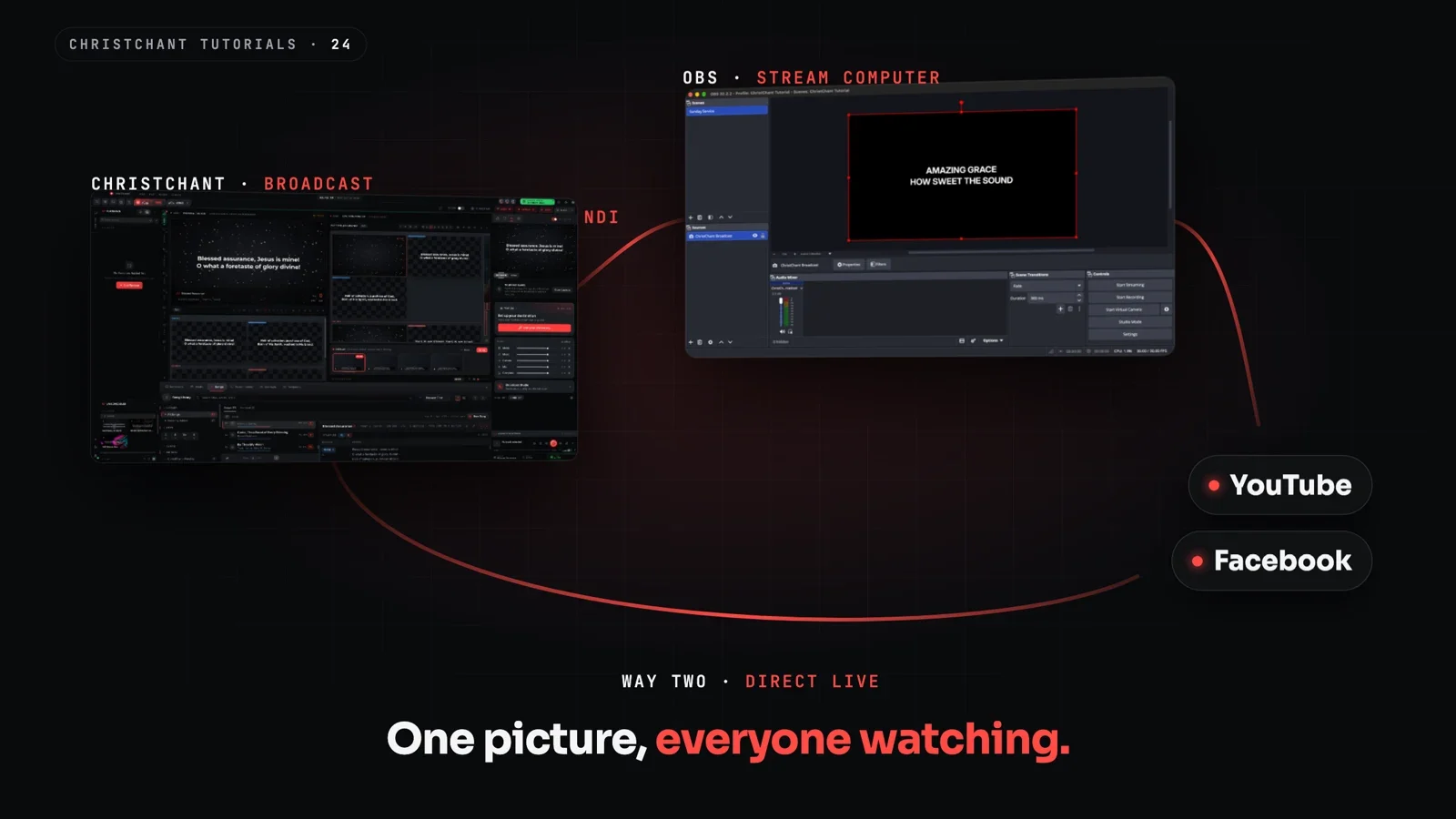
NDI sends video over your network to a streaming computer. It is flexible and needs no extra capture hardware, but depends on a good wired network.
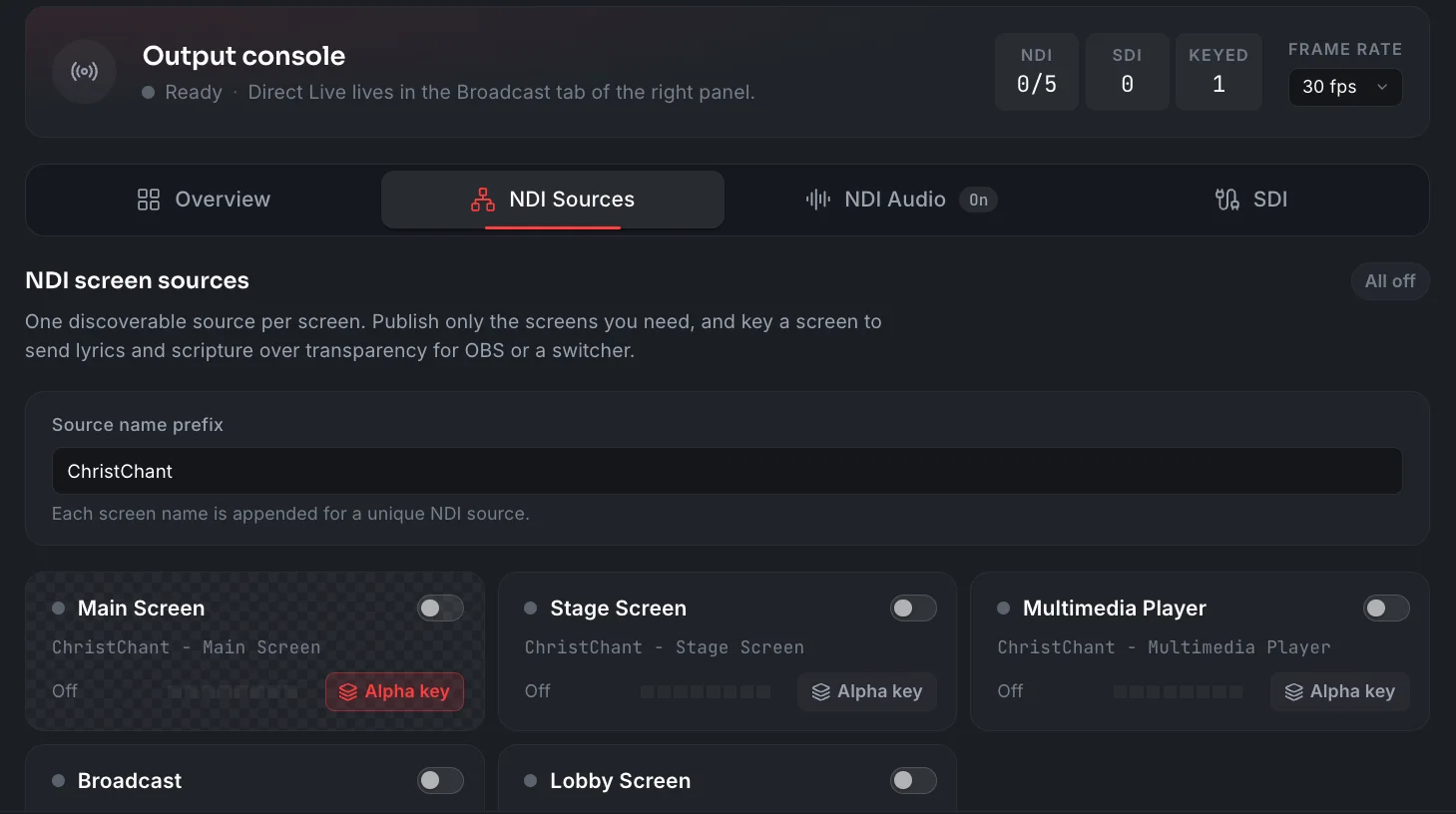
SDI is a broadcast video connection into a switcher or capture card. It is very reliable for fixed installations.
RTMP lets software stream straight to a platform, which suits small teams with one computer.
Keep the stream separate from the sanctuary
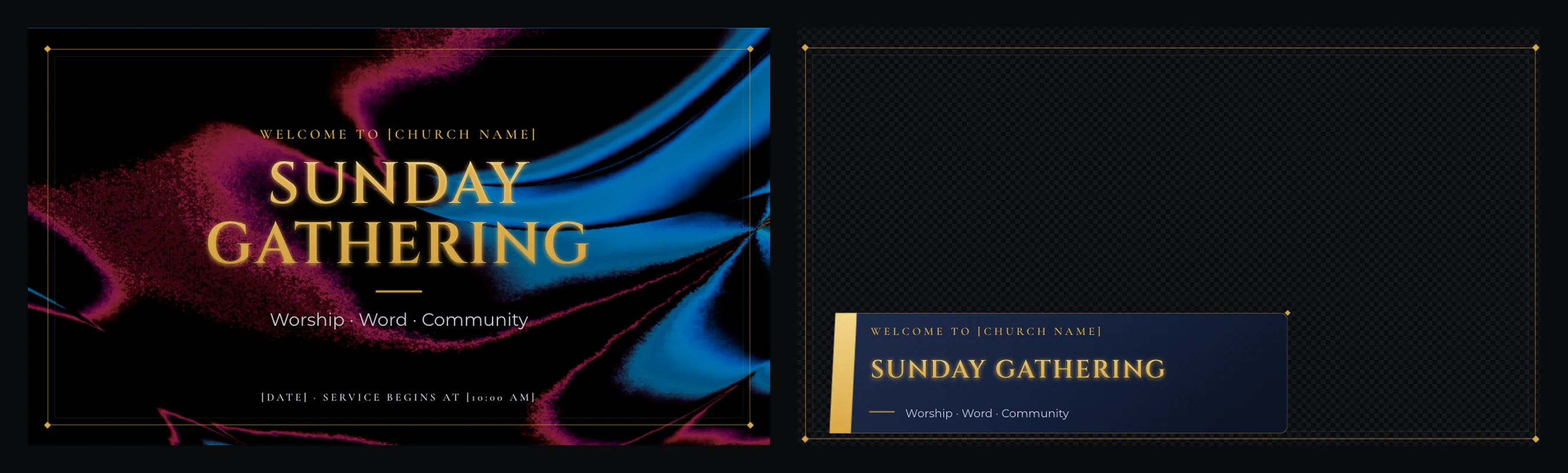
What looks good on a projector (full-frame lyrics) may not suit a stream, where you might want lower-third lyrics over camera video. Pick software with independent layouts for each output so one change does not break the other.
Use the same content, once
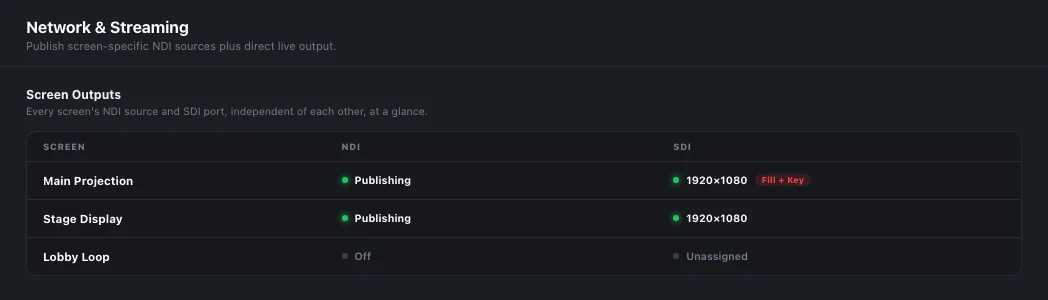
Entering lyrics once and sending them to every destination avoids mistakes. ChristChant's broadcast outputs can run NDI and SDI at the same time, with RTMP for streaming directly. These are part of the Ultimate Halo plan; the pricing page lists what each plan includes.
Add a countdown
A pre-service countdown gives viewers a clear start time. Browse church countdown videos in the motion store.
Test checklist
- Confirm the stream picture on a phone, not just on the booth monitor.
- Check text size and contrast on a small screen.
- Check audio levels and sync.
- Run through a full song and a scripture reading.
For more, see our guide to church livestream software.