Most churches have years of PowerPoint decks: sermon notes, announcements, special services. You should not have to rebuild them to use better software.
Do you need Microsoft Office?
Some programs control PowerPoint behind the scenes, which means Office must be installed on the booth computer. ChristChant reads .pptx files directly, so no Office licence is needed, and PDFs use the same pipeline.
Prepare the deck first
- Use standard fonts, or install the fonts used on the booth computer.
- Keep images at a sensible size; huge photos slow everything down.
- Avoid complex animations if you can. Slide order and layout matter more than effects.
- Save a copy as .pptx, not an older format.
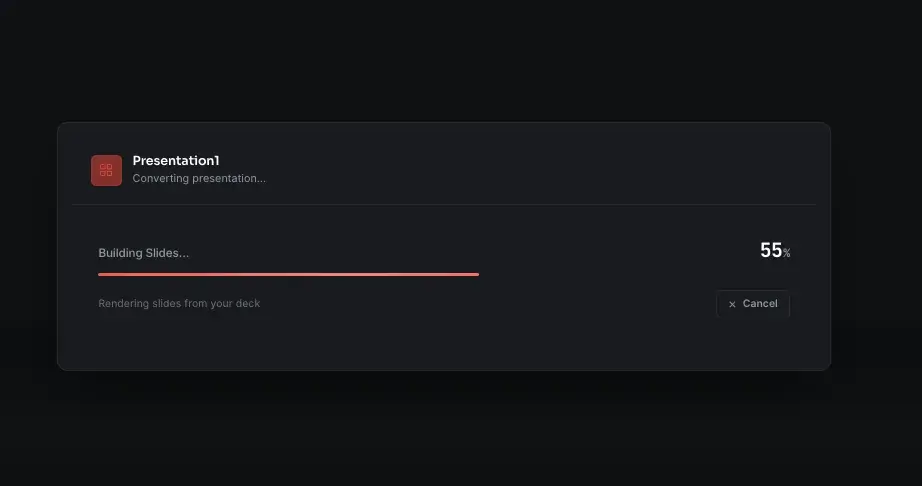
What to check after import
- Slide count and order.
- Fonts and text size.
- Images and backgrounds.
- Anything that relied on an animation.
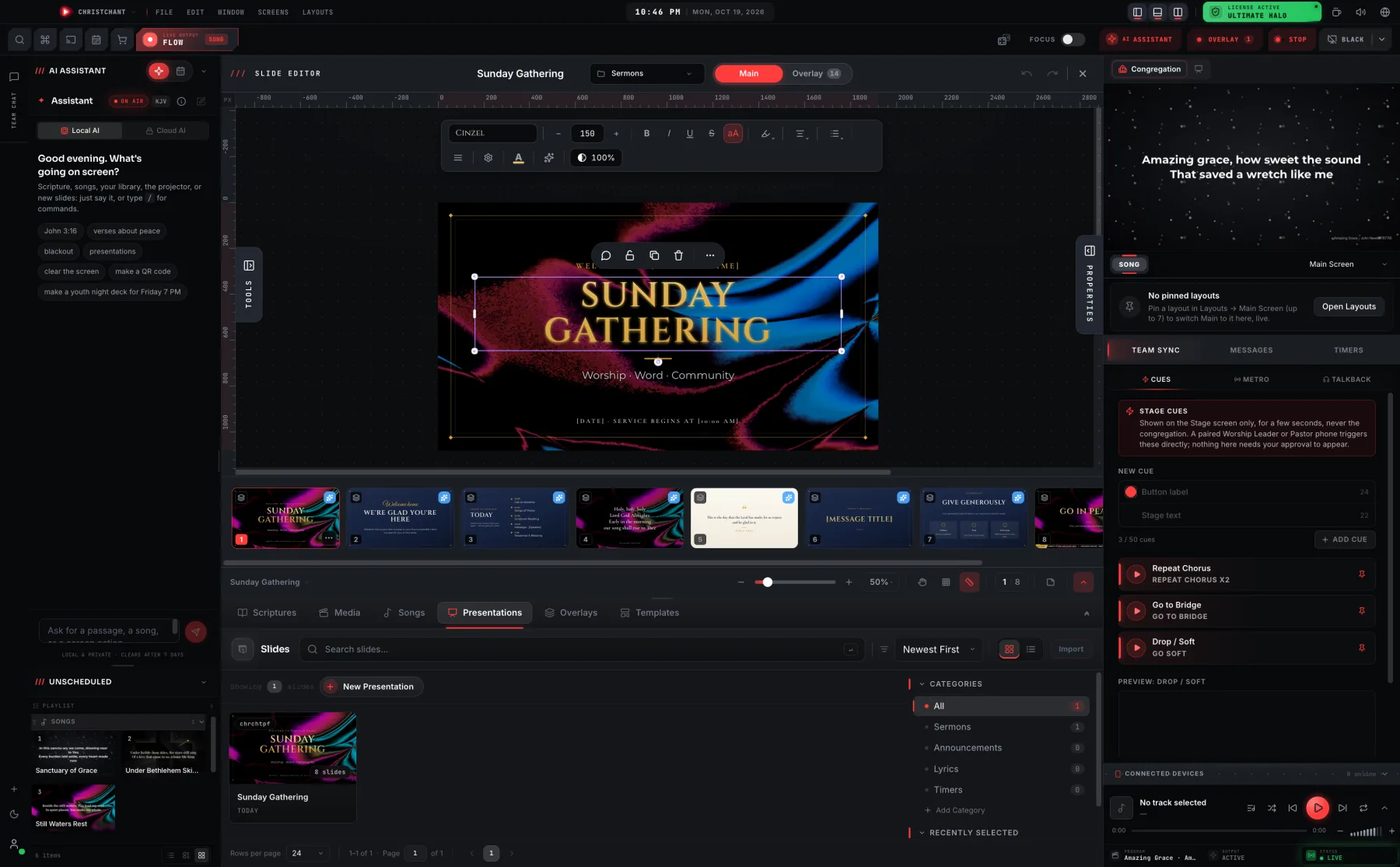
Fix problems during the week, then save the cleaned version in your library.
When PowerPoint is not the best tool
For songs and scripture, use the software's own song and Bible tools. They give you searching, chords and consistent styling, while PowerPoint is best for one-off decks.
Keep it offline
Import does not need an internet connection, so you can prepare the service anywhere. See how offline worship software fits into your week.