Most church media booths have the same problem: whoever runs the slides is stuck at the booth. The pastor wants to point at a phrase, the worship leader wants to jump to the bridge, and someone has to walk to the back of the room to make it happen.
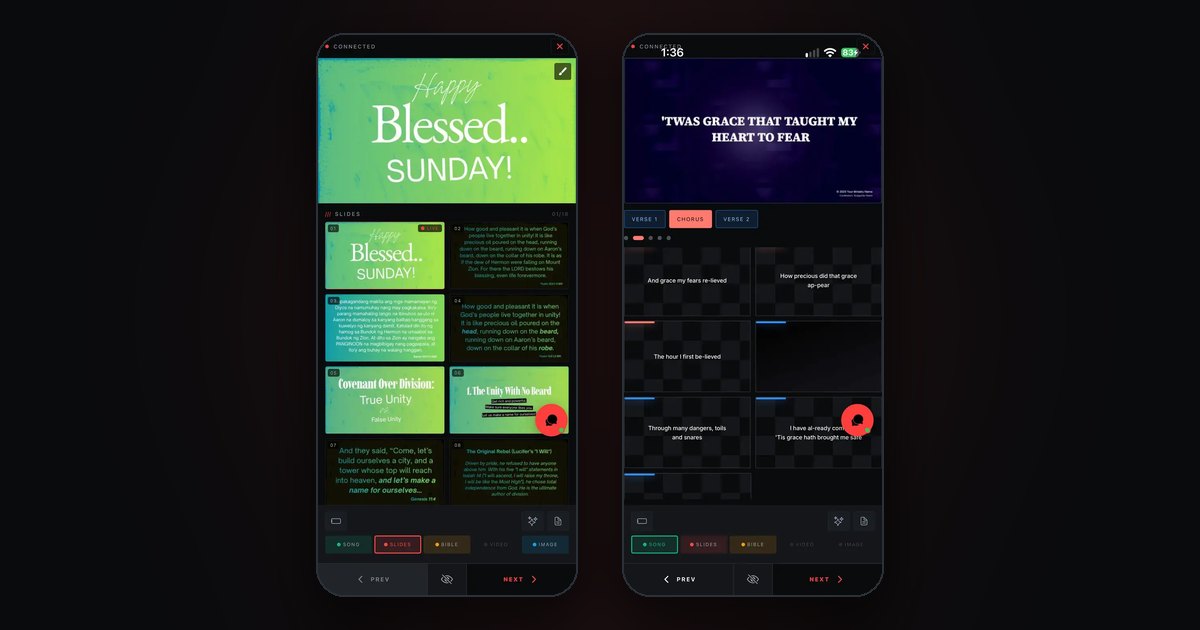
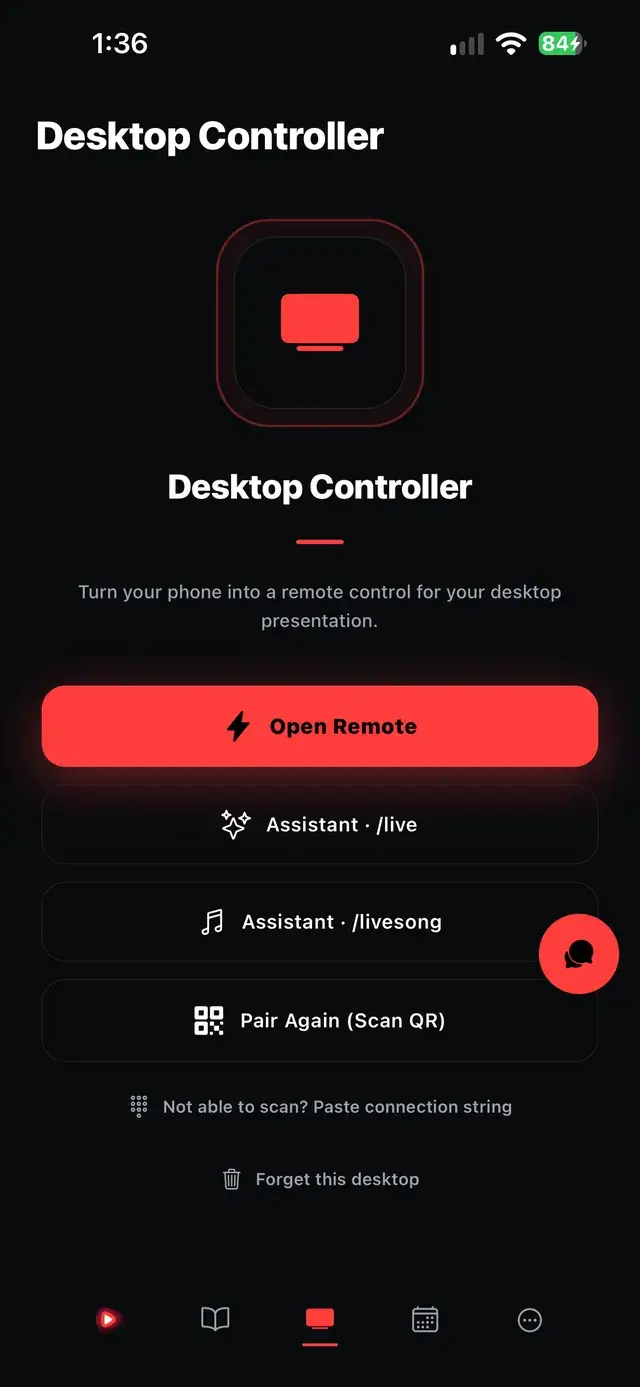
ChristChant Remote puts the controls in your hand. It is the ChristChant mobile app, paired with the desktop app you already run on the booth computer.
Pair in seconds
Open the remote and scan the QR code shown on the desktop, or type the PIN. The phone stays paired for the whole service. A wrong PIN closes the connection outright instead of leaving it half-open, and a pairing is only remembered once it has actually succeeded.
Control the whole service, not just next and back
The remote mirrors what the desktop is doing, so whoever holds it always knows where the service is:
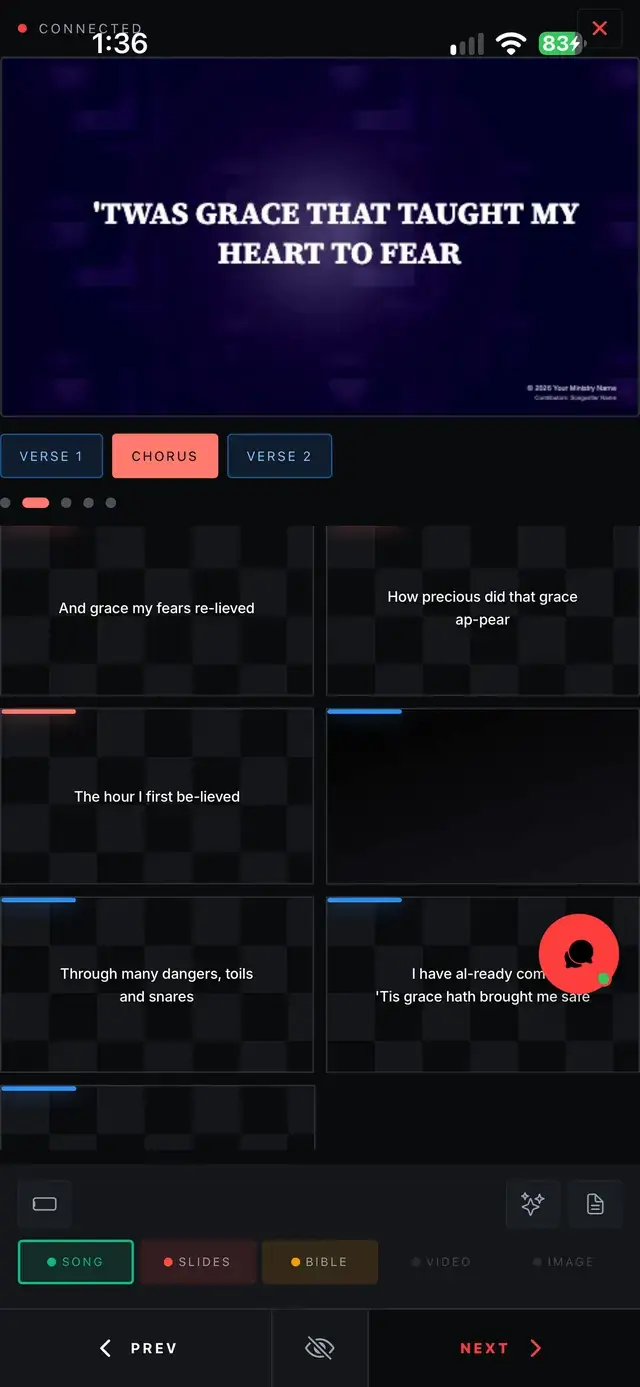
- Advance slides and jump around the song pipeline
- See a live view of what is on the output right now
- Cue, play and scrub video from the same phone that is advancing your slides
- Keep your service notes in a drawer instead of on a sheet of paper at the booth
It works from the back row, the stage or the sound desk.
Draw on the live screen
When you need to point at something, switch to the pen or the highlighter. Pick a colour, mark the passage, and use the eraser if you change your mind. Two tools, a palette and an eraser: enough to mark a passage without turning the remote into a drawing app.
Strokes go on the slide itself, not on a copy of it. The phone sends points in the slide's own 1920×1080 coordinates, and the desktop builds the same drawing element the slide editor would. A line drawn on a phone and a line drawn in the editor land in the same place on the projector, and because it is a real drawing element, it behaves like part of the slide rather than a temporary overlay.
When the church Wi-Fi is down
Church networks are often the least reliable part of a Sunday, so the remote does not depend on one. The phone pairs over the building's Wi-Fi when there is one, and over the desktop app's own hotspot when there is not. No internet connection is needed at any point.
Three habits that make remote operation calmer
These are our suggestions, not product rules:
- Pair before people arrive. Do it during sound check, so pairing is never something you are doing while the room is watching.
- Keep annotations short. A circle or an underline lands better than a paragraph of handwriting, and the eraser is one tap away.
- Agree who holds the remote. Slides, video and drawing all come from the same phone, so one clear owner at a time keeps the screen predictable.
One app, more than a remote
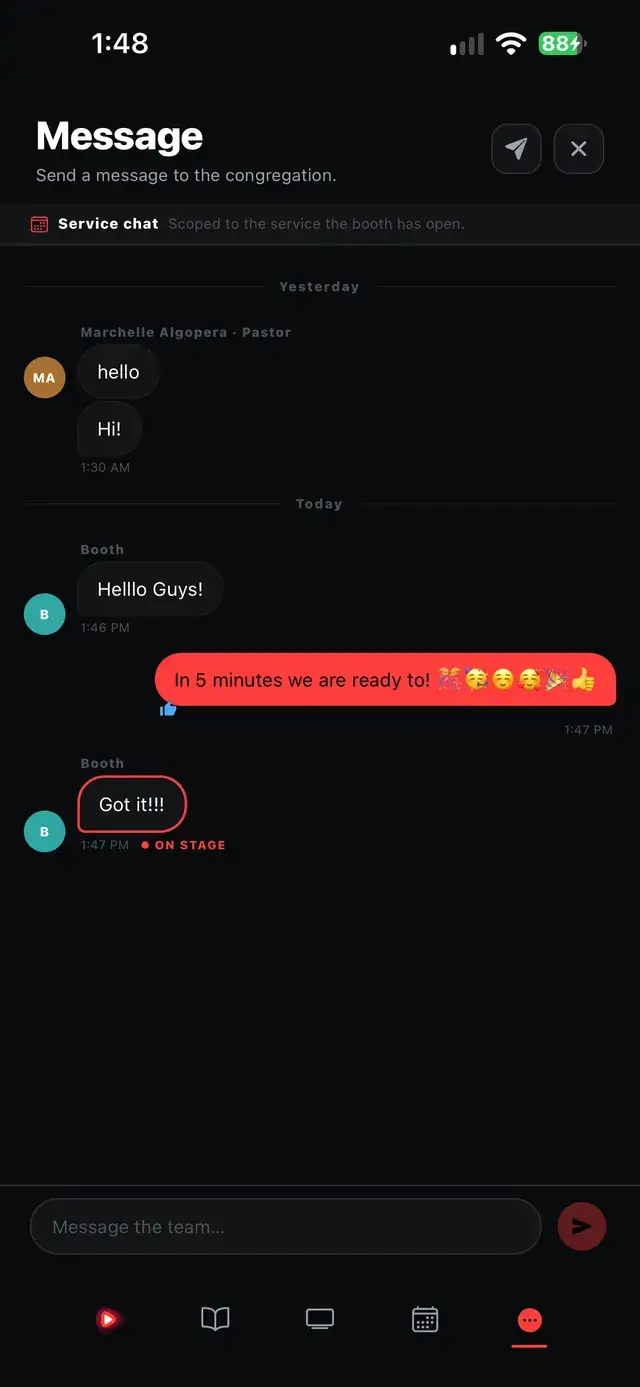
The same mobile app is also a complete offline Bible, a lyric editor, an AI assistant and the team's chat for the service, free and with no account required. The remote is not a separate purchase: it pairs with the desktop app you already have.
Ready to try it? See the full Remote / Annotator feature page, or head to the download page to get started.