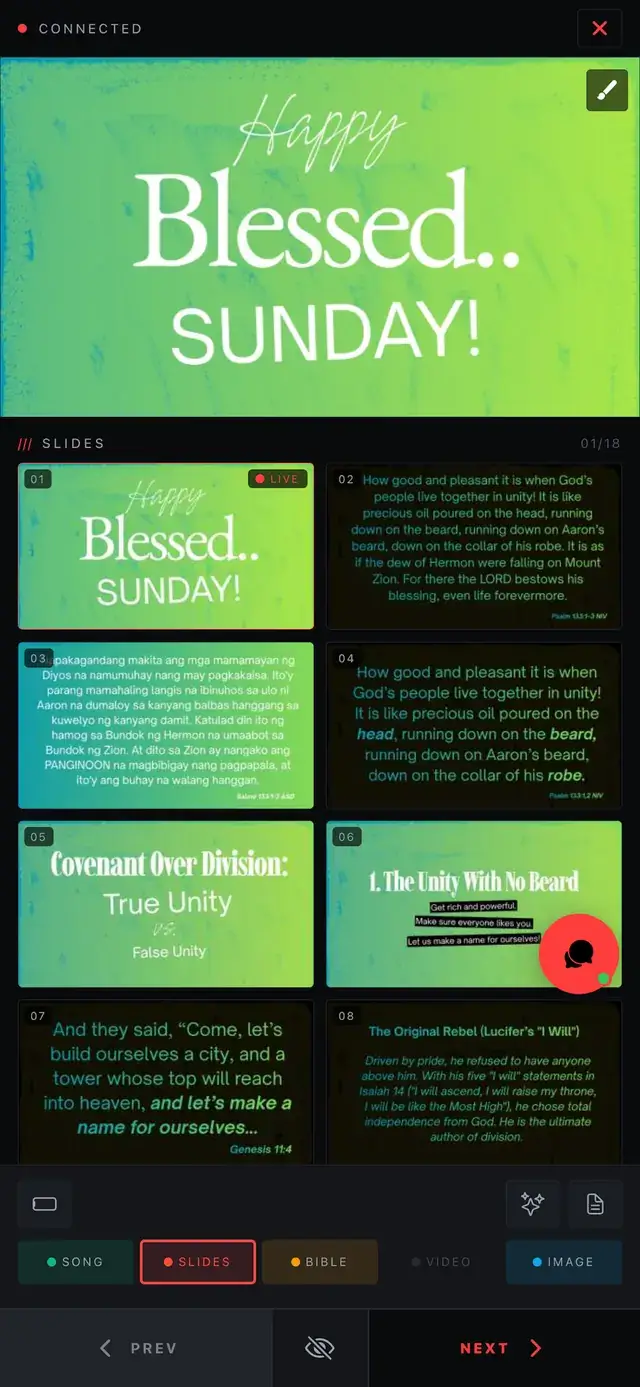
A phone remote frees the operator from the booth. The pastor can advance sermon slides, and the media lead can check the room from the congregation's view.
What a phone remote does
It pairs with the computer running the service and lets you move to the next slide, jump to an item, and go to a blank screen. Because it is on your phone, you can stand anywhere with a good view of the screen.
Who benefits
- Pastors and speakers: advance their own slides without a clicker.
- Worship leaders: change songs on the fly.
- Media leads: check what the congregation sees while keeping control.
Annotate the live screen
An annotator lets you draw on the live output with a pen or highlighter, which is handy for teaching, maps and emphasising a verse. In ChristChant, the remote and annotator draws straight onto the output.
Pairing
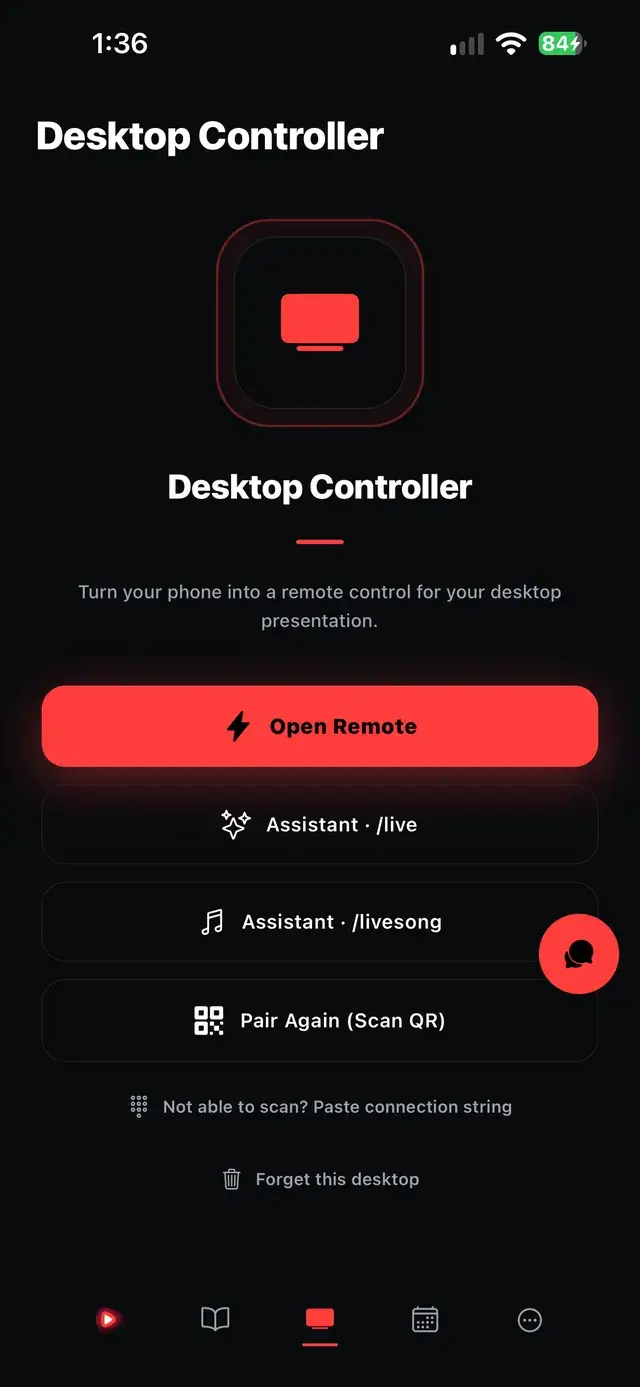
ChristChant pairs by QR code or PIN. The Android app is free to download, and the remote works with Pro Sunday and Ultimate Halo on the desktop. The pricing page shows what each plan includes.
Tips for Sunday
- Pair and test before the service starts.
- Keep the phone charged and set to stay awake.
- Agree on who has control for each part of the service.
- Keep a booth operator ready as backup.
Test the connection
Check that the phone pairs and responds from the back of the room during your Saturday run-through, and keep a booth operator ready as a backup.