
The Slide Editor, in your browser
Saturday night and the church computer is at church? Open christchant.com, pick a ready-made template and make your slides in the browser. Save it to your church's Cloud Library, and on Sunday it is waiting on the church computer.
Ready-made templates
Sermons, announcements, worship and seasonal decks to start from, or a blank page.
The same editor
The editor from the desktop app, with its tools, layers and animations.
Saved to the Cloud Library
Open it on the church computer on Sunday. Nothing to copy across.
Yours, or shared
Keep a presentation to yourself, share it with people on your team, or with the whole church.
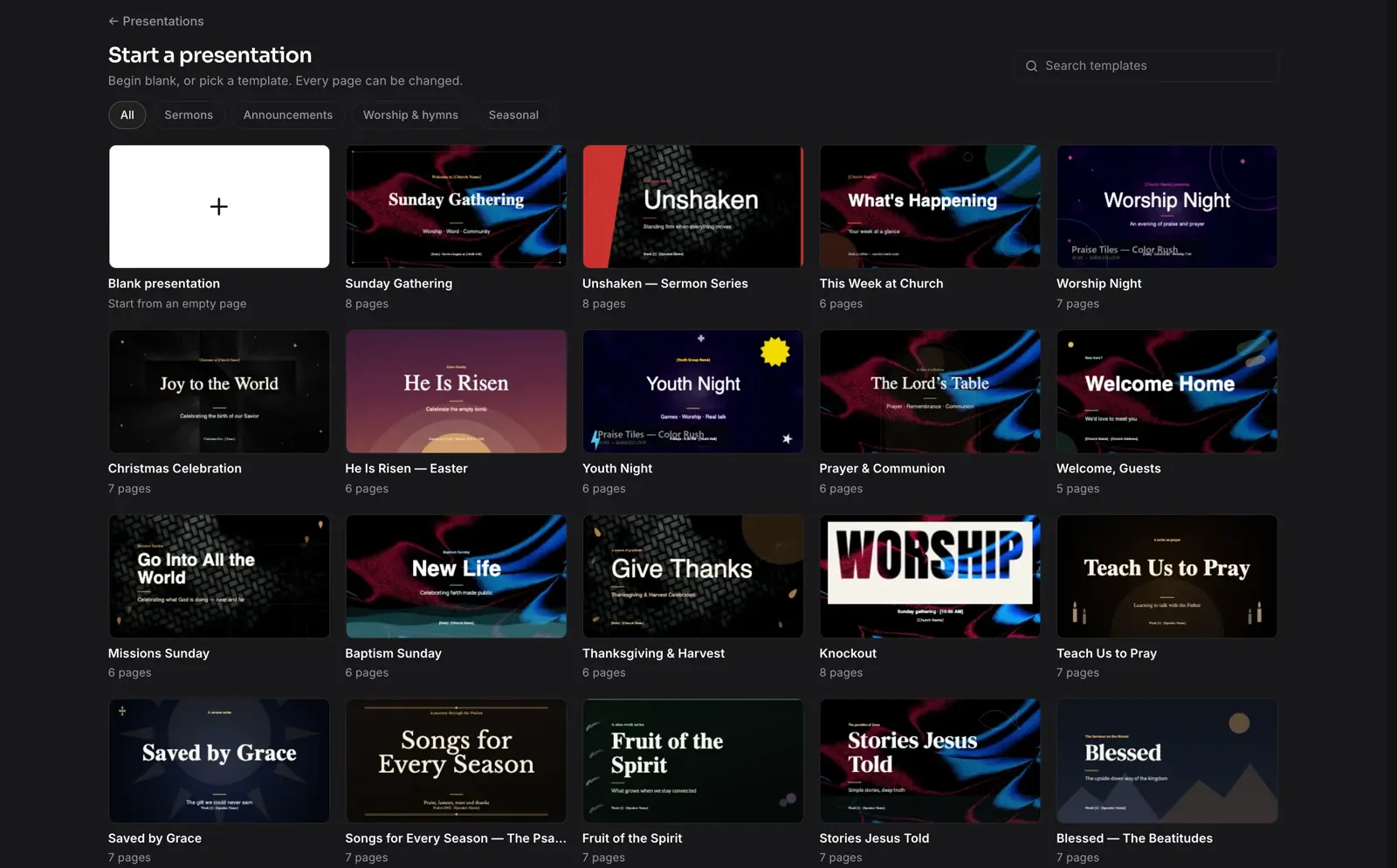
Start from a template, or a blank page
Sign in at christchant.com and open Presentations. Begin blank, or pick a ready-made template for a sermon series, an announcement, a worship night or a season of the year. Every page can be changed.
- Sermons, Announcements, Worship & hymns and Seasonal templates
- Search the templates by name
- Import the pages of a PDF
- Present from the browser, full screen
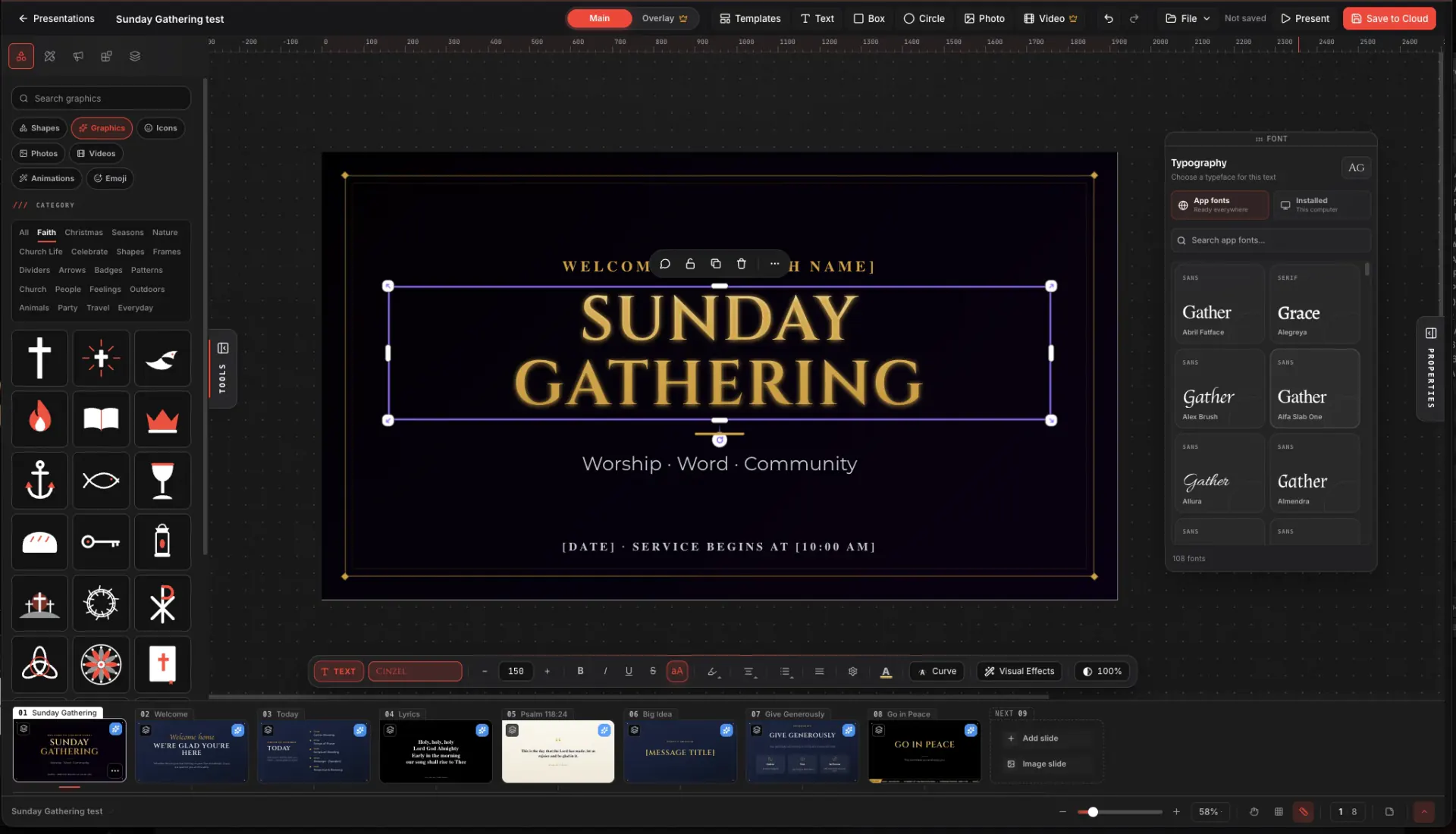
Build it Saturday, open it Sunday
Save the presentation to your church's Cloud Library. On Sunday it is already in the Cloud tab on the church computer, ready to put on screen.
- Saved straight to your church's Cloud Library
- Opens in the desktop app's Cloud tab
- Private, shared with specific people, or with the whole church
- Free saves up to 3 presentations with pictures and audio
The Slide Editor on Browser is for slides and campaigns. Songs, lyrics and Bible verses are made in the desktop app. Free saves up to 3 presentations to the Cloud Library with pictures and audio; uploaded video and more presentations are part of Premium.
About this feature
Sign in at christchant.com, open your account and choose Presentations.
Try it before next Sunday
Start Premium trial
Free for 30 days with every Premium feature: stage screen, extra outputs and broadcast. No card, and you keep the app on the Free plan afterwards.
Create account and start trialThree steps: create your account, start your 30-day Premium trial in one click, then download ChristChant and sign in. Every feature, no credit card.