Projecting lyrics is one of the most visible jobs on a Sunday. The good news: you only need a laptop, a projector and a few habits.
The minimum setup
A computer, a projector or TV, and a cable (HDMI is simplest). Set the display to extended, not mirrored, so the operator sees controls while the congregation sees only the lyrics.
Make text readable from the back row
Use a large, plain font with strong contrast. Keep two to four lines per slide. Avoid busy backgrounds behind words; dark, slow-moving loops work better than bright, fast ones.

Slide timing
Change the slide a beat before the line is sung, not after. If you have time in the week, rehearse with the worship leader so you know where verses repeat and where the bridge returns.
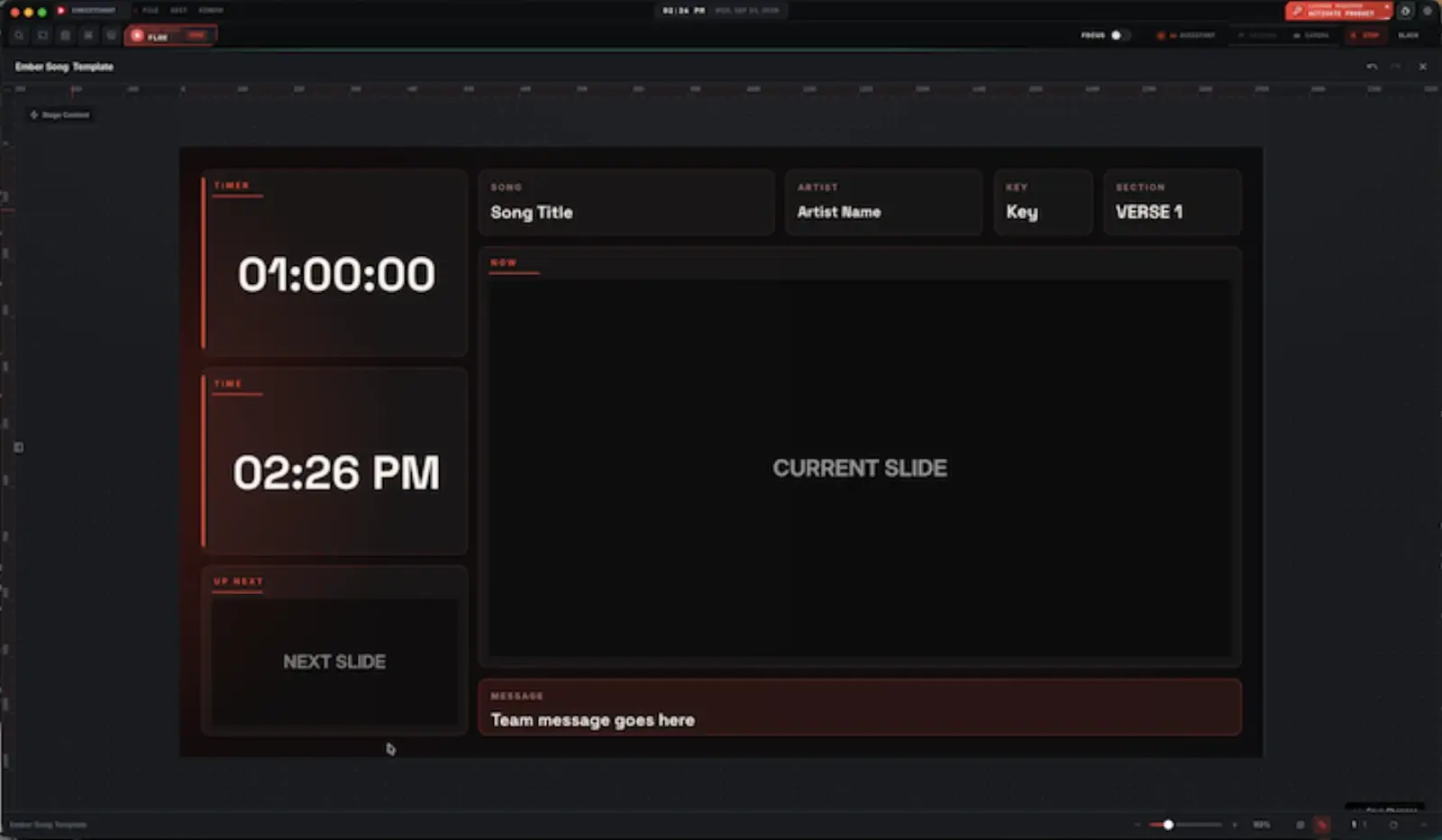
Add a stage display for the band
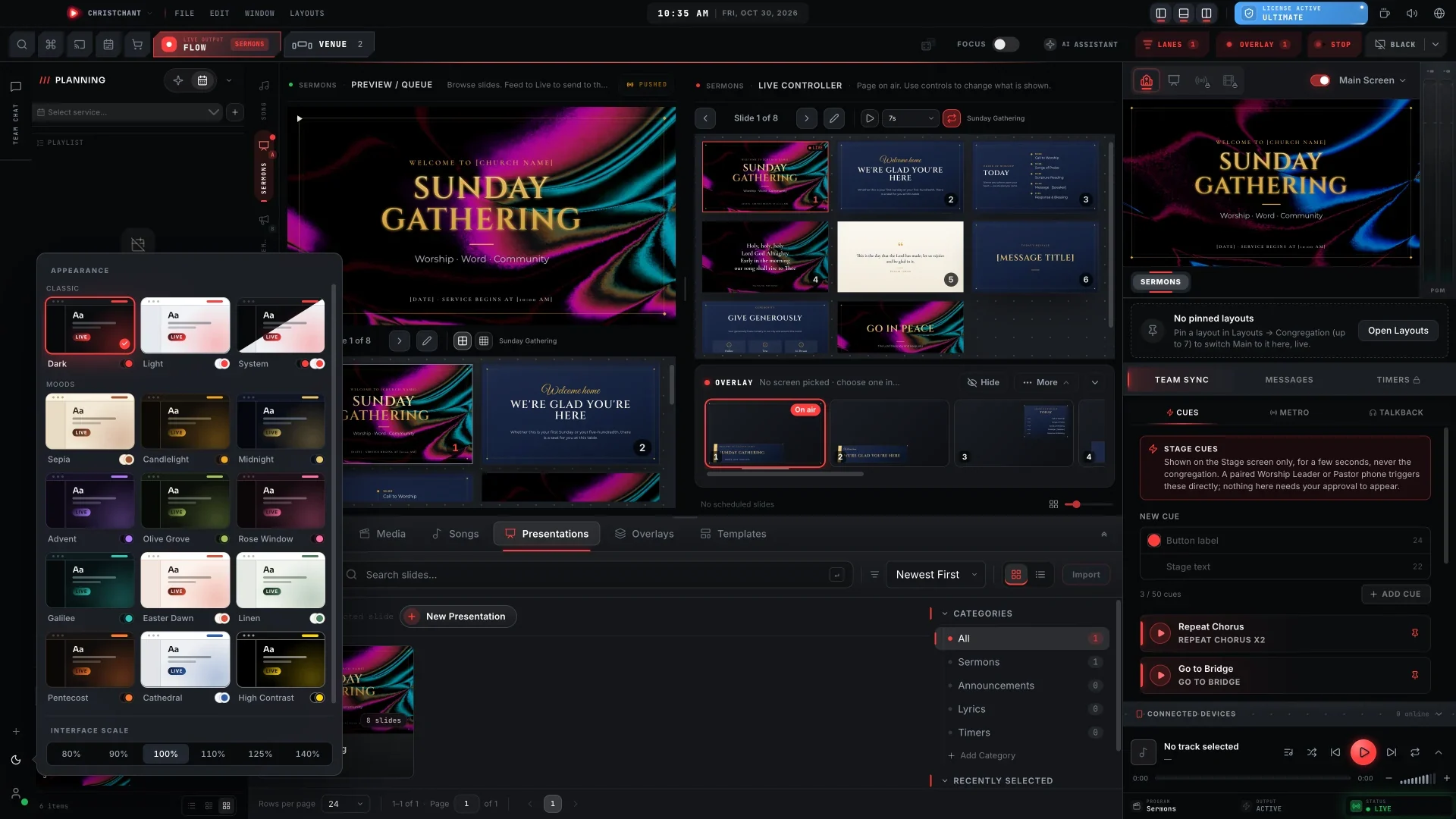
The band benefits from a separate screen. It can show the next line, chords and the key. In ChristChant, stage screens follow the song and chords are transposed live.
Use a phone as a remote
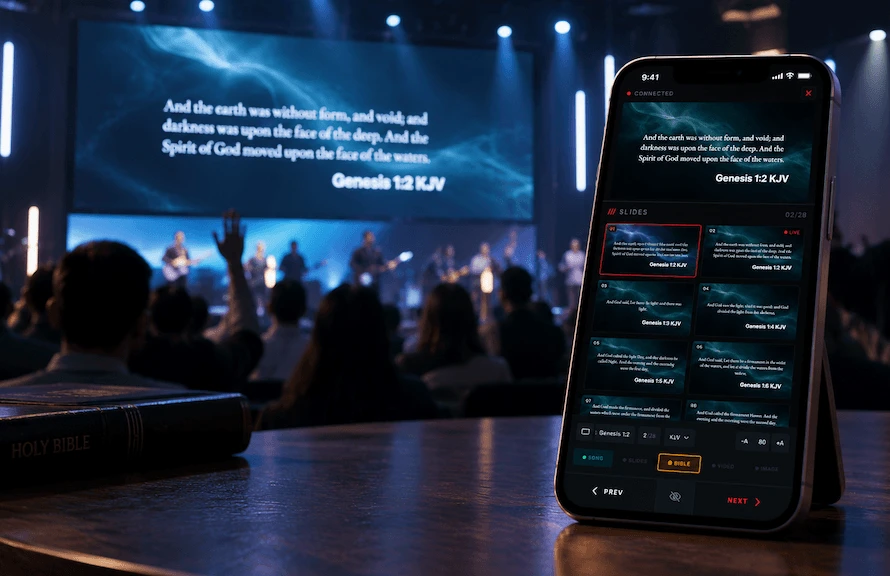
An operator who can move around the room can check how the screen looks from the congregation's view. A phone remote also lets a pastor advance their own slides.
Choosing software
Look for fast song search, chord support, backgrounds you can change, PowerPoint import, and a preview before anything goes live. Our guide to church lyrics projection software explains what ChristChant offers.
A quick pre-service routine
- Check cables and display settings.
- Open the service and step through each song.
- Confirm scripture translations.
- Check the stage display.
- Leave the first slide on screen as people arrive.