A stage display lets your band see what is coming next, so they play with confidence instead of watching the back wall.
What you need
A second output from the booth computer, a monitor or TV on stage, and cabling or a wireless video link. Position the screen where the singers and musicians can see it without turning away from the congregation.
Give it its own layout
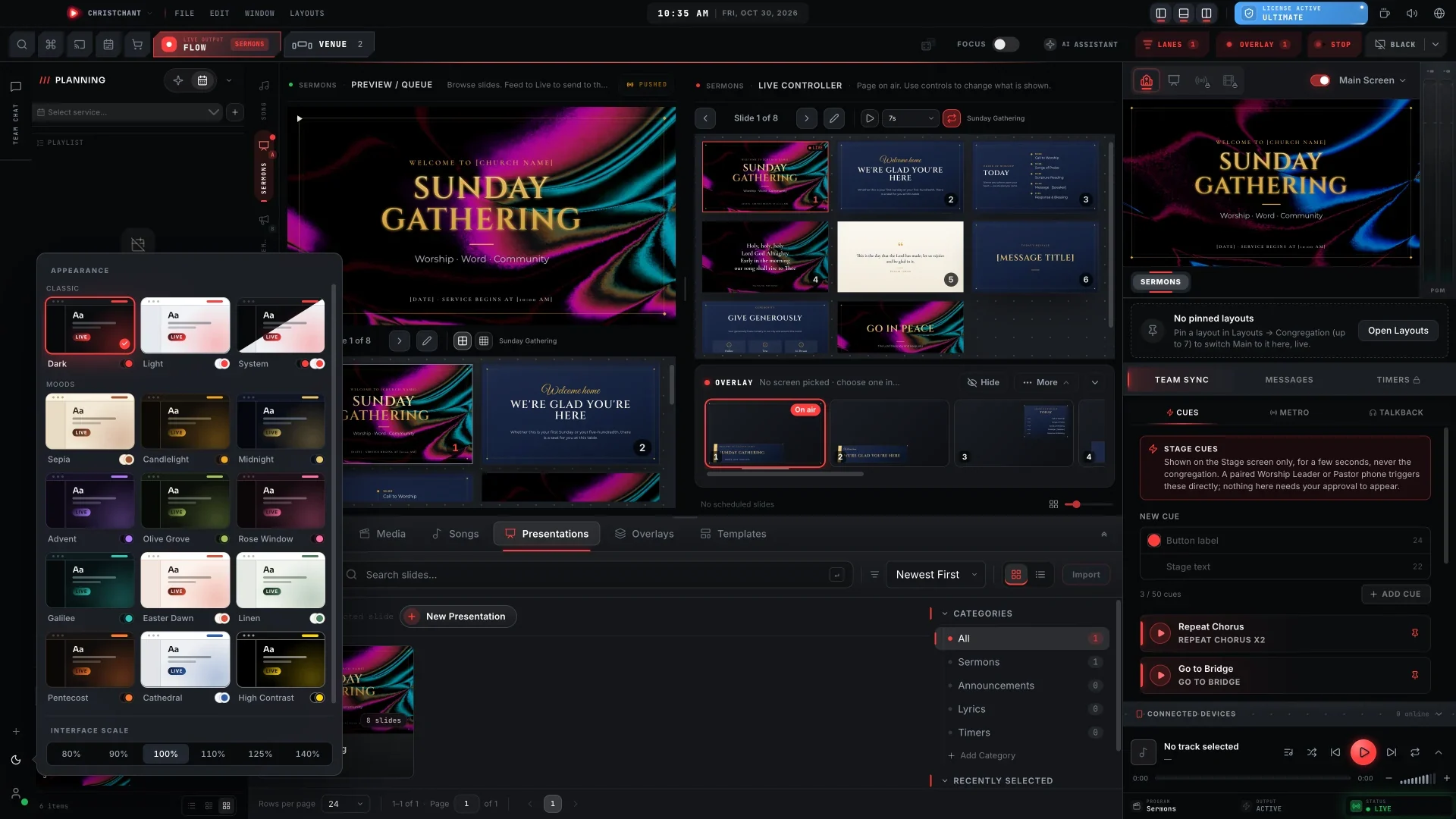
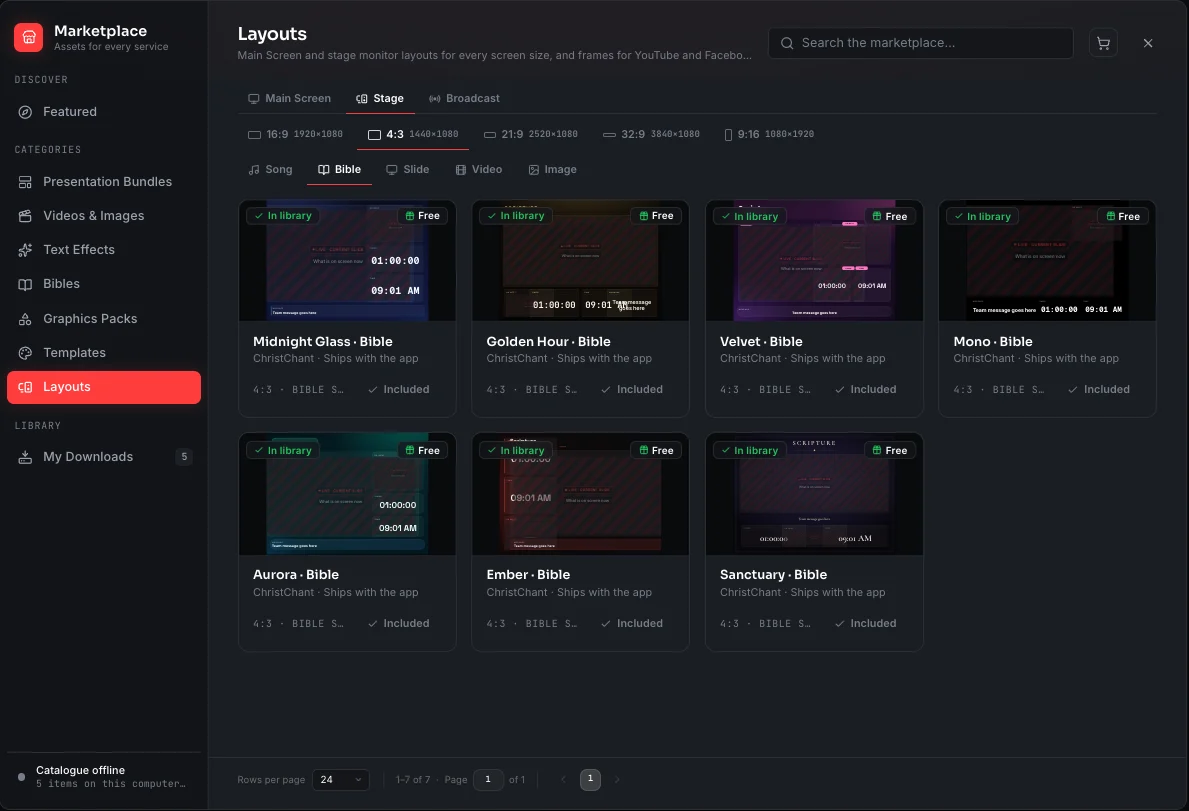
The band wants different information from the congregation: chords above the lyrics, the next line, the current key and a clock. Software that only mirrors the main screen cannot do this. ChristChant gives every output its own layout, with seven built-in stage designs.
Chords and keys
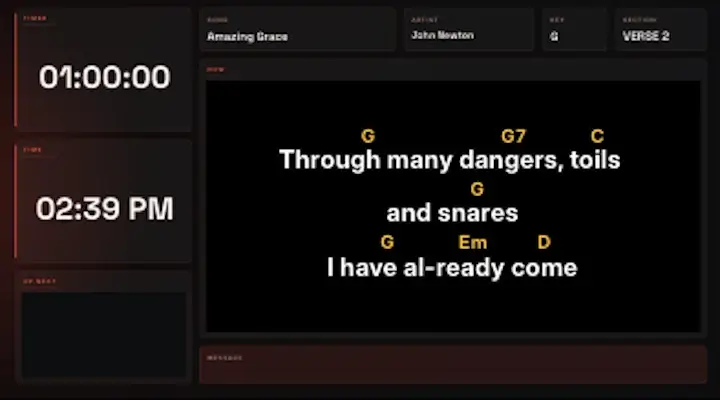
If your singer changes keys, transposing live saves time. Chords should follow the lyrics inline, and every stage screen should update together.
Messages from the booth
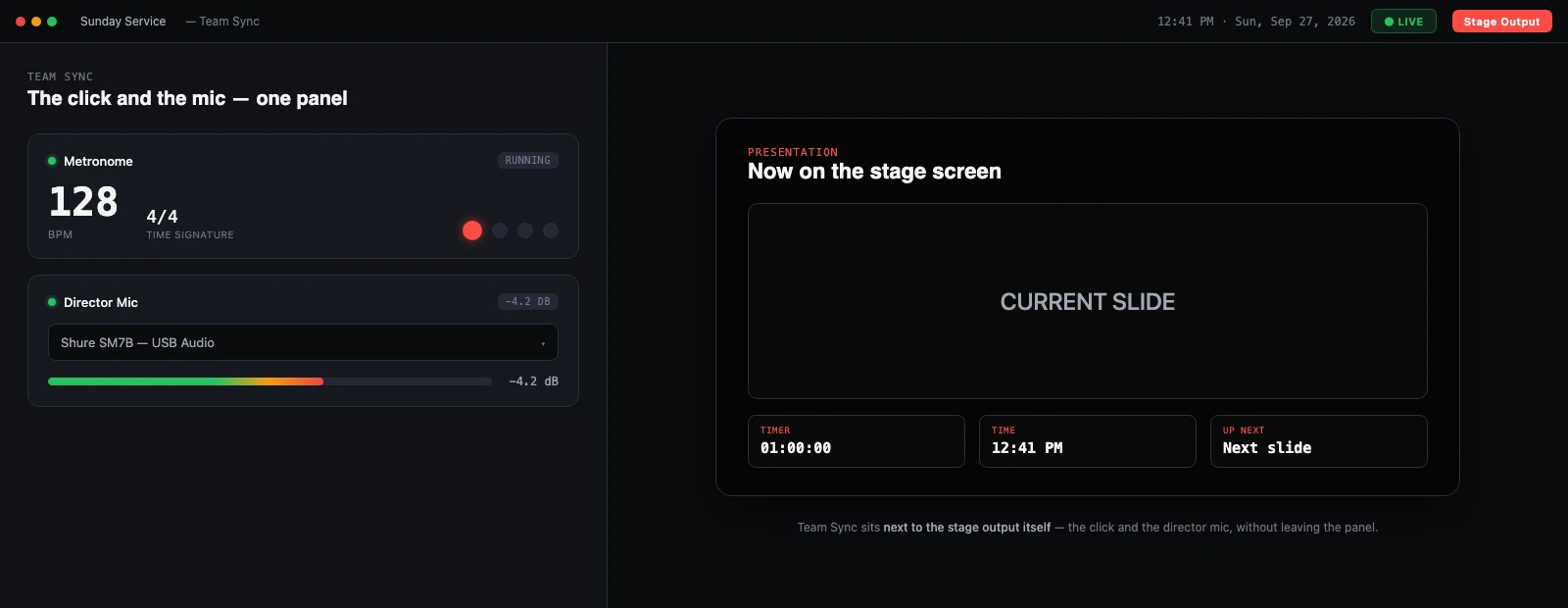
A short message to the stage ("one more chorus", "slow down") is more useful than a hand signal. Pro Sunday and Ultimate Halo include stage banner messages and a group chat for the booth and the team.
Test before the first service
- Check the stage screen with the band standing in position.
- Increase text size until the furthest musician can read it.
- Run a full song and confirm chords match the key.
- Check what happens when you go to a blank screen.
Plan for growth
Start with one stage display and add a lobby screen or a second stage monitor later. See stage displays and multi-screen output for the options.