Most church media teams run on volunteers who have other jobs and little tech background. A short, repeatable training plan makes Sunday calmer for everyone.
Before the session
Prepare a sample service with two songs, one scripture reading and a few announcement slides. Print a one-page cheat sheet with the steps below. Training on a real service plan is better than a made-up demo.
Minutes 0 to 10: the big picture
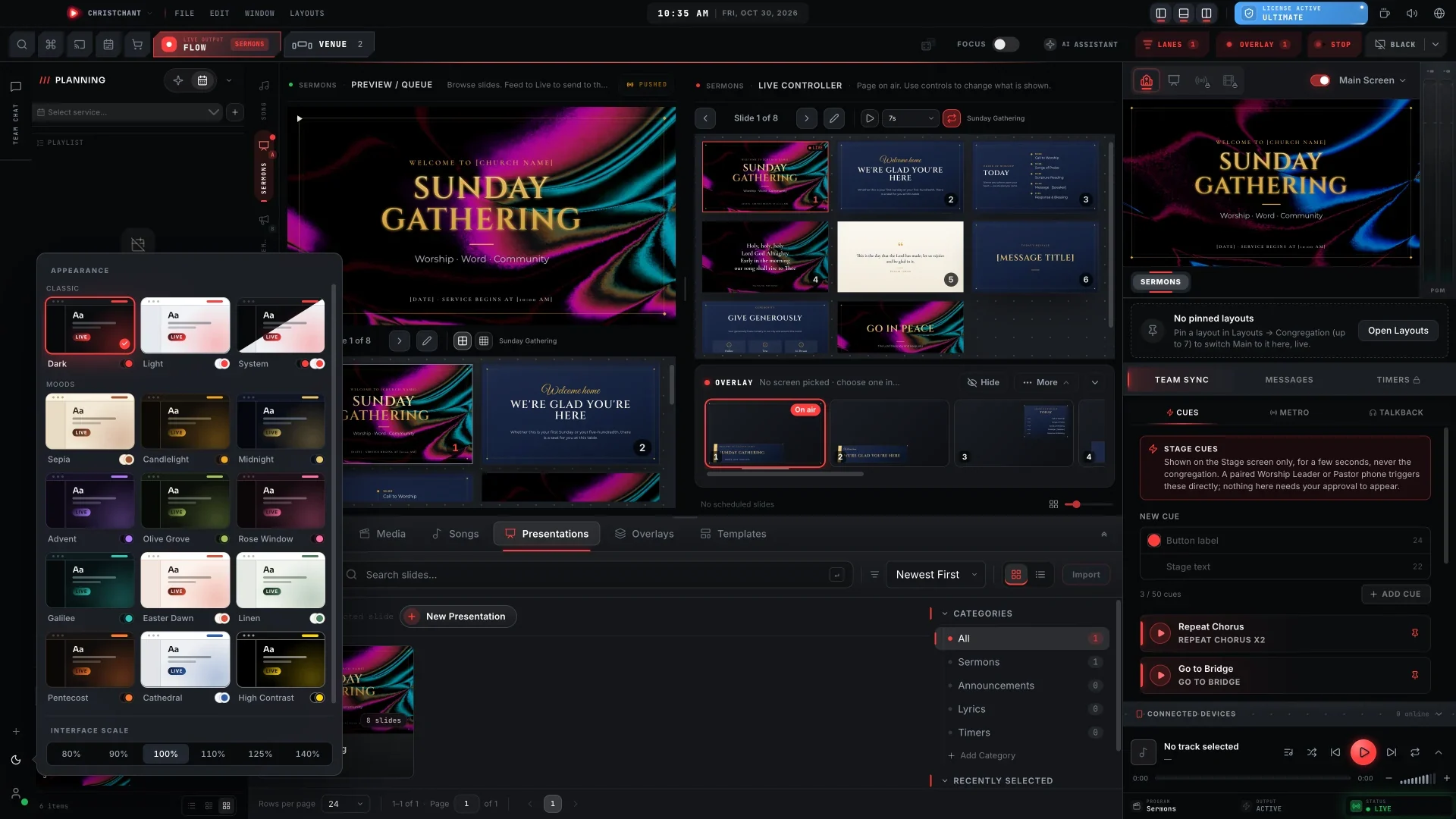
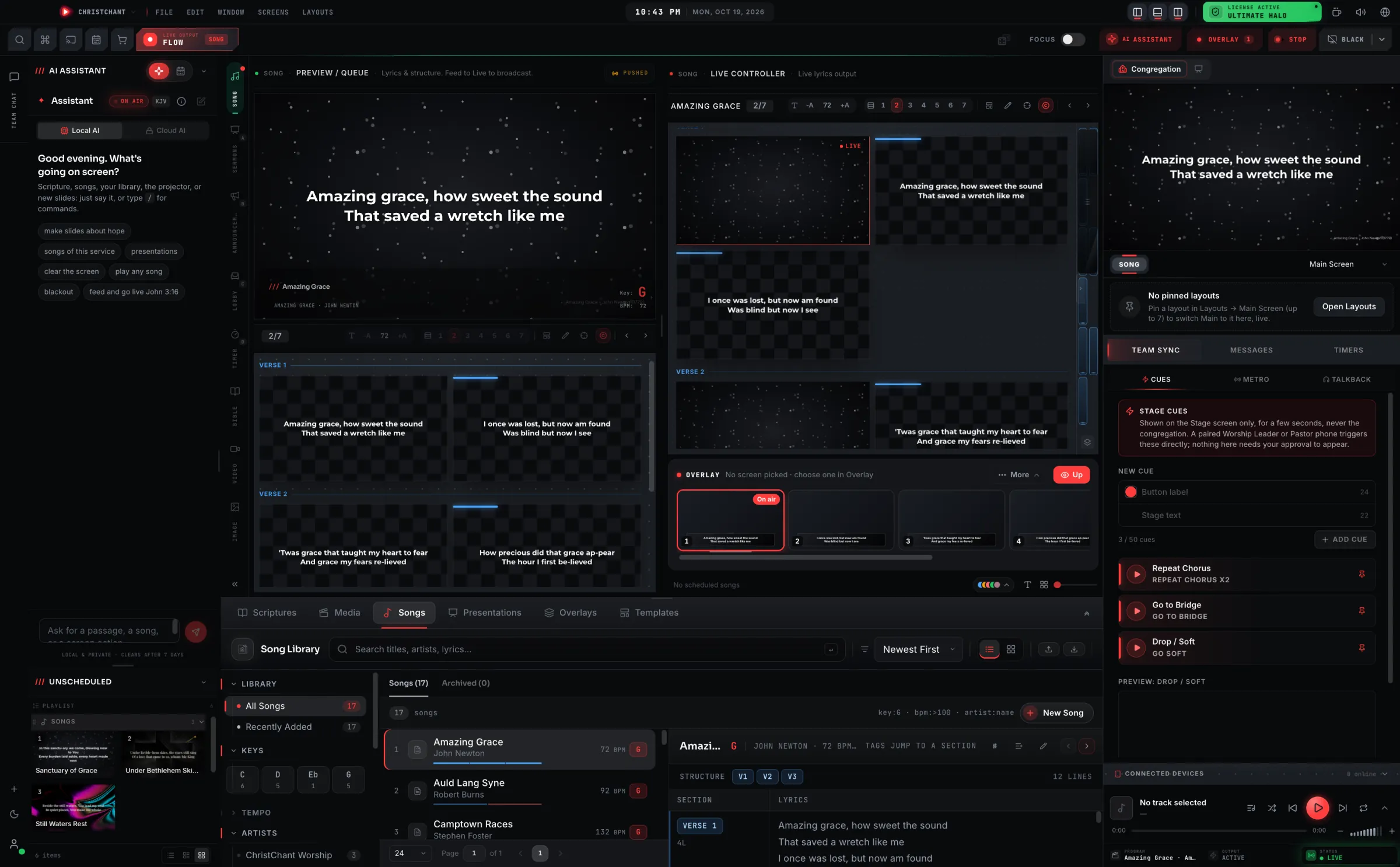
Show the room from the congregation's side first. Explain what each screen is for: the main screen, the stage display and anything in the lobby. Volunteers who understand what people see make fewer mistakes.
Minutes 10 to 25: the controls
Walk through the basics only:
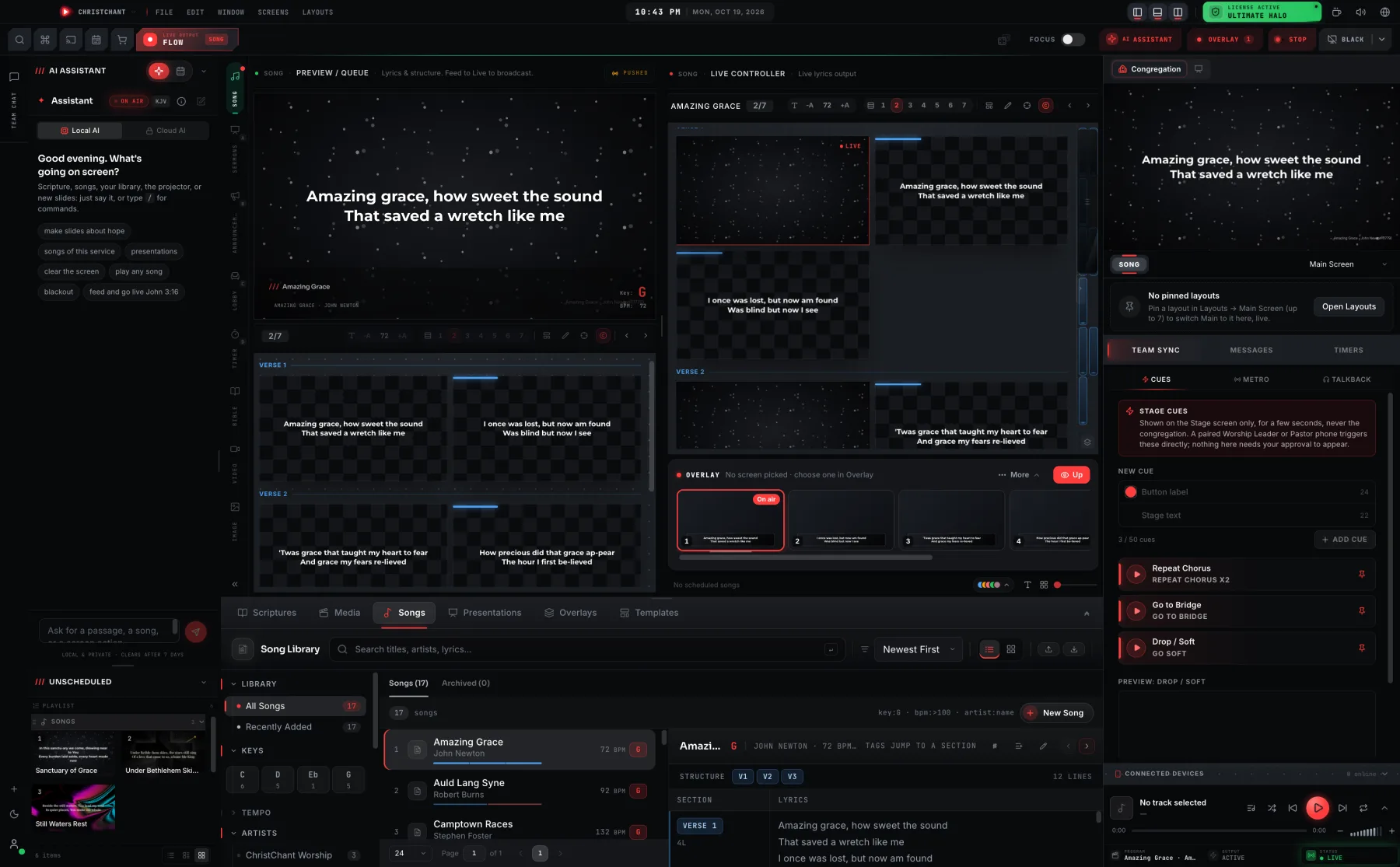
- Open the service plan.
- Preview an item, then take it live.
- Go to a blank screen and back.
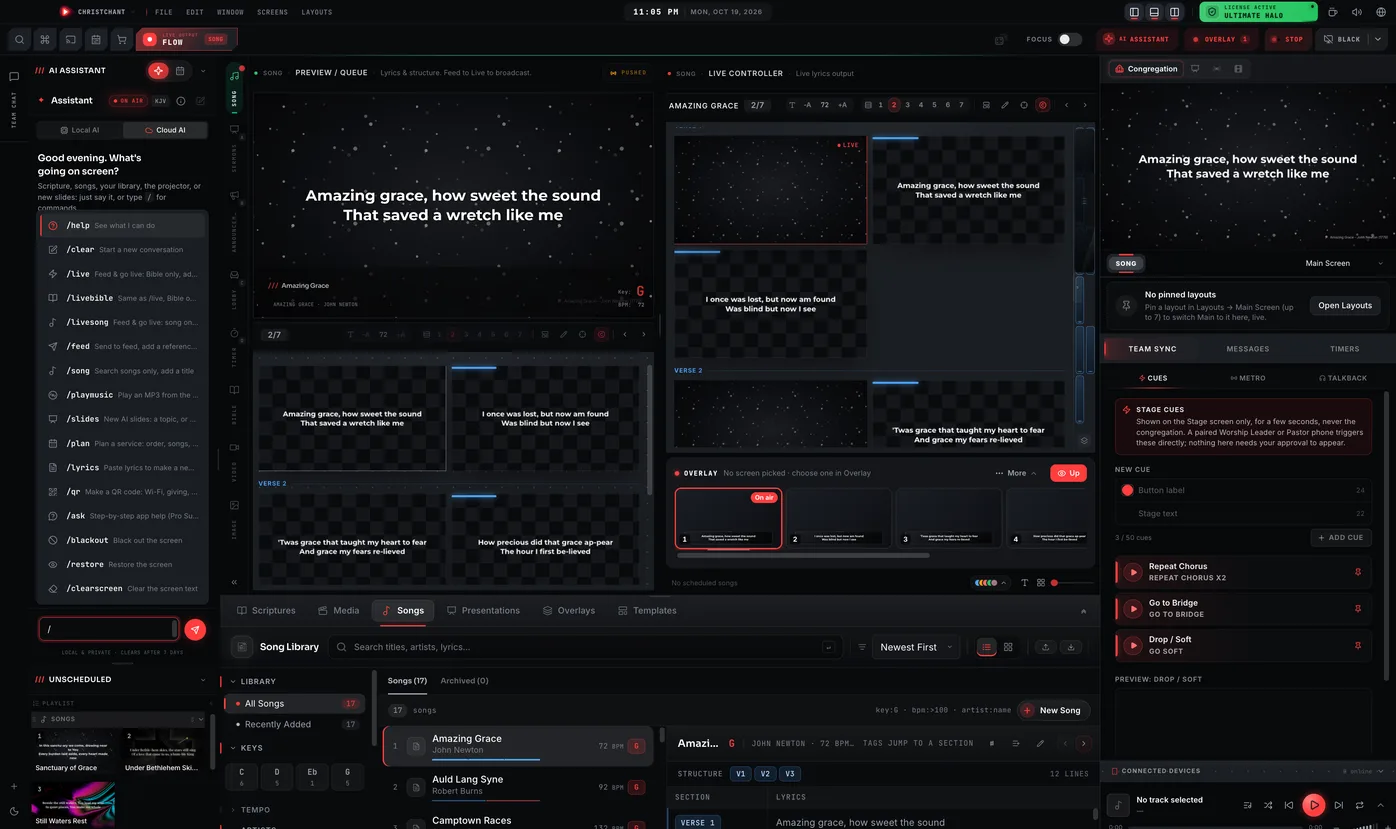
- Search for a song or verse.
Skip advanced features. Add them after a few weeks.
Minutes 25 to 40: practise together
Let the volunteer run the sample service while you sit beside them. Call out the next item before it is needed, the way the worship leader will on Sunday.
Minutes 40 to 50: when things go wrong
Teach three recoveries: how to go to a blank screen, how to jump to a specific song, and who to message for help. Most mistakes are small if the volunteer knows they can fix them calmly.
Minutes 50 to 60: the schedule
Agree on the Saturday check, the arrival time on Sunday and who to call. Pair new volunteers with an experienced one for their first three services.
Make it easier with the right tools
A clear preview before going live, a plain-English assistant for finding songs and verses, and a phone remote all reduce the learning curve. If you are deciding what to buy, read our buyer's checklist.